

How to Measure Charger Cable Reach

A charger that looks close enough on a straight ruler often comes up short once the cord has to drop to the floor, turn a corner, and climb back to the phone. How to measure charger cable reach means following that real path, then adding slack so the plug is not pulled tight.
The ProSeries Max page states 3.0 ft and 6.0 ft lengths. The USB-A fast charging cable with wall charger states 3.2 ft and 6.5 ft lengths. The number you write down decides which of those lengths can sit where you charge. A cord that is a few inches short never reaches the port you planned to use.
Call KEUTEK at 1-800-919-0233 if you want help matching a cable length to your outlet.
How do you measure charger cable reach before you buy?
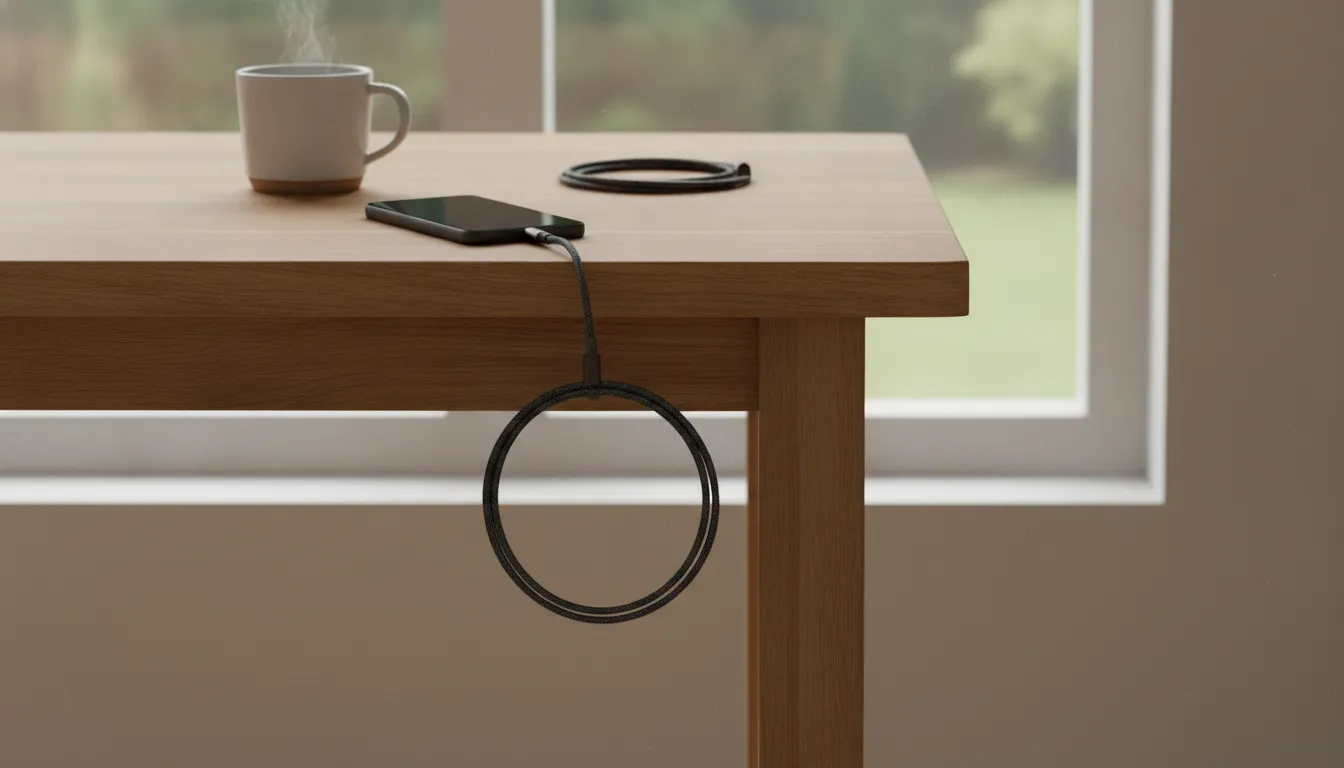
Measure the path the cord will actually travel, not the air gap between the outlet and the device. A straight line across a nightstand ignores the drop to the floor and the climb back up. Put the device where you want it to stay. Then run a string, a tailor's tape, or a spare cord along the route you are willing to live with. Count every turn. A route you would not leave in place overnight is not the route to measure.
- Mark the outlet, power bank, or car port that will supply power. If the plug has a bulky wall charger, start the measurement at the cable end of that brick, not at the wall plate.
- Lay the tape along the route: down to the baseboard, around the furniture leg, across the floor, then up to the spot where the device rests.
- Stop at the device's charging port, not at the middle of the phone or laptop. The port is often on the bottom or side, which adds a few inches.
- Add slack for a gentle bend at the port and for a little movement. Six to twelve inches is a practical allowance for a bedside or desk setup. A cable pulled drum-tight stresses the port.
- Write the total in feet. Compare it with the stated length on the product page before you choose 3 ft or 6 ft.
Do this once for each place you charge. A nightstand, a desk, and a car cup holder are three different reaches. The shortest reach should not determine the cable you choose for every charging location.
If the tape has to cross a walkway, reroute it along the wall instead of accepting a shorter number. A cable across a path gets kicked, and the kick is what pulls the connector out. Measure the safer route, even when it is longer.
How should you measure a car or a power bank?
In a car, start at the port you will actually use. A charger in the center console is a different reach from a port on the back of the front seat. Run the tape up to the cup holder or the mount, then add slack so a turn does not pull the phone off the mount. Write that number separately from the bedroom number.
For a power bank, start at the bank's port, not at an imaginary wall outlet. Set the bank where it will sit, such as a tent pocket or a desk drawer, and measure from that spot to the device. A bank you move every hour does not need a long cable. A bank you leave on the floor does. KEUTEK ships from the United States, and the product pages state a lifetime warranty and a 45-day money-back guarantee. The useful decision is still the length, not a guess about a cable that never reached the bed.
What should you write down?
Keep three figures for each spot: the taped path, the slack you added, and the total. A 58-inch path plus 10 inches of slack is 68 inches, which is 5 feet 8 inches. Compare 5 feet 8 inches with the stated product length. Do not compare the 58-inch path alone, because that number leaves the cord tight at the port.
Related products

Adaptive technology throttles 1-5 amp charging output based on your device.
View product
Adaptive technology throttles 1-3 amp charging output based on your device.
View product
Adaptive technology throttles 1-3 amp charging output based on your device.
View productWhat does a measured charger cable reach include?
Reach is the length of cord you can use, not the length printed on the package by itself. Connectors eat some of that printed length.
A magnetic tip, a right-angle plug, and the part of the cable inside a strain-relief bend are not free inches. You cannot stretch those pieces across the room and still call them reach.
Count these pieces when you convert a measurement into a buy:
- The vertical drop from the outlet to the floor, and the climb from the floor to the device.
- Every corner. A cord that turns a furniture leg needs a curve, not a crease.
- Slack at the device so you can pick the phone up an inch or two without unplugging it.
- The connector itself. On a magnetic KEUTEK cable, the tip sits on the device and the cable ends at the magnet. Do not assume the tip adds a foot of reach.
A worked bedside example makes the arithmetic obvious. The outlet is 14 inches above the floor. The nightstand top is 24 inches above the floor and sits 30 inches to the side of that outlet. The cord drops 14 inches, runs 30 inches along the baseboard, and climbs 24 inches. That path is 68 inches, about 5.7 feet, before any slack. Add 8 inches of slack and the path is about 6.3 feet. A stated 3.0 ft cable cannot cover it. A stated 3.2 ft cable cannot cover it either. A stated 6.0 ft cable is still short of 6.3 feet. This spot needs the stated 6.5 ft USB-A length, a closer outlet, or a shorter route that stays on the nightstand.
The same method works when the outlet is behind the nightstand and the phone stays on top. Measure the hidden vertical run. A cord that disappears behind furniture still uses those inches. If you cannot see the outlet, fish the tape down the back and add the result. Skipping the hidden run is how a short-looking nightstand ends up needing the longer cable.
Which stated cable length matches the reach you measured?
Match the measurement to a length the product page actually states. Do not round a 6.3 ft path down to a 6 ft cable and hope the braid stretches. These are the lengths listed on the two KEUTEK cable pages that publish them.
| Where you measured | What to compare | Length the page states |
|---|---|---|
| Short desk or bedside hop that stays on the furniture | Taped path plus slack is under 3 feet | ProSeries Max states 3.0 ft. USB-A cable states 3.2 ft. |
| Path that drops to the floor or runs along a baseboard | Taped path plus slack is over 3 feet and within the longer length | ProSeries Max states 6.0 ft. USB-A cable states 6.5 ft. |
| Path longer than every stated length | Move the power source closer. Do not chain two cables. | Neither stated length covers that path |
The ProSeries Max in 3.0 ft and 6.0 ft is the USB-C option, with a stated 240W USB-C variant and a stated USB-A variant at 18W. The USB-A cable with wall charger states Red 3.2 ft and Red 6.5 ft, a 24 gauge copper core, and magnetic tips for Micro-USB, Lightning, and USB-C devices. Read the variant label at checkout so the length you measured is the length in the cart.
If you only need phone charging from an older USB-A brick, the longer 6.5 ft USB-A option is the one that covers a floor drop. If you need the higher-power USB-C variant for a laptop, stay with the ProSeries Max lengths and shorten the path until 6.0 ft is enough. The cable chooser is the place to confirm which connector family you need after the length is settled.
Where should the cord sit once the reach is right?
A correct length still fails if the cord is tight at the port or lying where feet catch it. Leave the slack you added in a loose coil beside the device, not in a knot at the connector. On a desk, drop the cable behind the surface or along a leg instead of across the keyboard.
A desk charging setup is easier to measure when the power brick stays in one place. Fix the brick, then measure from that brick. Moving the brick later changes the reach. For a trip, measure the hotel or passenger-seat path the same way, and pack the length that covers the longer of the two spots you use most. A road-trip charging kit should include that longer cable, not a second copy of the short one.
Magnetic tips change the daily habit, not the math. The tip stays on the device and the cable clicks on, so you are less likely to lever the port. The cable is still only as long as the stated length. One-handed charging does not add inches between the outlet and the bed.
When is a longer cable the wrong fix?
Past a point, more length is a standards limit, not a shopping preference. The USB Type-C cable and connector specification is the primary document for those assembly limits. A published summary of that specification lists a passive Type-C to Type-C USB 2.0 cable as under 4 meters. It lists a USB 3.1 Gen 1 cable as 2 meters or less, and a USB 3.1 Gen 2 cable as 1 meter or less. The same summary lists a USB Standard-A to USB Type-C USB 2.0 cable as under 4 meters. Four meters is about 13 feet. That ceiling is far beyond a normal bedside run. It is also a reason not to splice an unknown extension into a charging cable.
Those limits describe certified cable assemblies, not a tape measure in your bedroom. Your reach can be 6 feet and still sit inside the limit. The limit tells you not to hunt for a very long charging cord and expect full USB performance. For the length decision in this guide, stay with the stated 3 ft and 6 ft options and move the power source when the path is longer than both.
KEUTEK's own length versus charging speed guide already answers whether a shorter cable charges faster. Use that guide for resistance, wire gauge, and voltage drop. Use this one to decide whether the cord reaches. Wire gauge still belongs in the purchase: the USB-A cable page states a 24 gauge copper core, and the ProSeries Max page states a 21 gauge copper core. A lower gauge number is the thicker wire. If two cables both reach, the stated gauge and the stated wattage are the next facts to compare, not a guess about which one "feels" faster.
A charging speed breakdown covers the wattage and protocol side once the length fits. Do not buy a longer, thinner cable to solve a reach problem the tape already showed you cannot cover.
Check the ProSeries Max 3.0 ft and 6.0 ft lengths against the reach you measured.
Frequently asked questions
How do you measure charger cable reach without a tape?
Use a piece of string along the same path, from the outlet to the device port, including the drop and the climb. Mark the string, then measure the string with a ruler or a yardstick. Add the same six to twelve inches of slack before you compare it with a stated cable length.
Does the stated cable length include the magnetic tip?
Product pages list the cable length as 3.0 ft, 6.0 ft, 3.2 ft, or 6.5 ft. They do not say the magnetic tip adds extra reach. Measure to the device port and treat the tip as the connector, not as bonus cord.
Is a 6 ft cable enough for a nightstand?
Only if your taped path, plus slack, is within the stated length. A floor drop plus a side run often lands near 6 feet. If the total is over 6.0 ft, the stated 6.0 ft ProSeries Max does not cover it. The stated 6.5 ft USB-A length might, or you need a closer outlet.
Should you measure a straight line across the gap?
No. A straight line undercounts the cord, because the cable cannot pass through the nightstand or the mattress. Follow the route you will actually leave in place.
Can you join two cables to cover a longer reach?
Do not chain charging cables to invent a length the product page does not sell. Move the power source or the device closer, or pick a stated length that already covers the path you measured.
How long should a charging cable be?
It should be at least as long as the path you measured, including slack. For the KEUTEK lengths stated on the product pages, that choice is 3.0 ft or 6.0 ft on the ProSeries Max, and 3.2 ft or 6.5 ft on the USB-A cable with wall charger. If the path is longer than those, shorten the route instead of guessing at a length the page does not list.


Leave a comment