

USB-C Cable Fast Charge: What Determines Charging Speed

A charger can advertise high wattage and still charge slowly when the cable is the weak link. The result depends on the complete power path: the cable's internal wire gauge, its rated wattage, the e-marker that reports its capabilities, cable length, and the profiles supported by both the charger and the device.
Explore the KEUTEK ProSeries Max fast-charging cable, built to carry high-wattage USB-C power with rugged construction and dependable everyday compatibility.
USB-C cable fast charge speed comes down to the weakest link in the power chain. For reliable fast charging, choose a cable rated for the wattage your charger and device can negotiate. Keep conductors thick enough for the current, and pick a certified e-marker so the system can safely identify voltage and current limits.
USB Power Delivery works through a handshake: the charger shares its capabilities, the device requests an available profile, and the source accepts it. If any component cannot support the same profile, charging falls back to a lower common level. Understanding how these parts interact makes it easier to diagnose slow charging and choose a dependable cable for daily use or travel. For a related look at how power and data capabilities can differ, see KEUTEK's guide to USB-C data transfer cable speed versus power.
What Determines a USB-C Cable's Fast Charge Speed?
The combined capabilities of the charger, the cable, and the device set the final USB-C cable fast charge rate. The cable matters through its wire gauge, current and wattage rating, e-marker signaling, and length, but it cannot exceed what the charger supplies or what the device requests.
Why can two USB-C cables produce different charging results with the same phone or laptop? Because a reliable usb-c cable fast charge outcome depends on the entire power chain, not the cable in isolation. The cable, charger, device, and their negotiated charging profile must work together.
Which cable characteristics control power delivery?
Start with the conductors inside the cable. Wire gauge affects resistance: lower AWG numbers indicate thicker wire, which can carry higher current with less heat and loss. A cable's length matters too. As length increases, resistance rises, which can contribute to voltage drop if the conductors are not sized appropriately. For demanding devices, a shorter, well-built cable can deliver the charger's available power more consistently than a thin, excessively long alternative.
The cable's wattage rating is equally important. A charger may advertise high output, but the cable must be rated to carry the power being negotiated. High-power USB-C cables may also include an e-marker integrated circuit. This chip communicates the cable's capabilities, including supported current and voltage, so connected devices can make a safe, informed request. The USB Implementers Forum explains the role of cable capability signaling in its USB-C and Power Delivery standards documentation.
How do PD and PPS negotiation affect charging speed?
USB Power Delivery is a negotiated system. The power source sends its capabilities, the device requests a compatible profile, and the source accepts before delivering that power. USB PD reached power levels of up to 100W in earlier specifications, while PPS enables more granular voltage and current adjustments for compatible equipment. If the charger, cable, and device do not share a suitable profile, the connection falls back to a lower standard power level rather than forcing an unsafe output.
That is why a premium cable should be selected as part of a matched setup. Check its rating, the charger's PD or PPS support, and the device's input requirements. The cable does not create power the charger cannot provide, but an under-rated or poorly constructed cable can prevent the rest of the system from reaching its potential. To understand how chargers fit into this system, read the KEUTEK guide to USB-C charger power requirements.
How Does Cable Gauge Affect Fast Charging Speed?
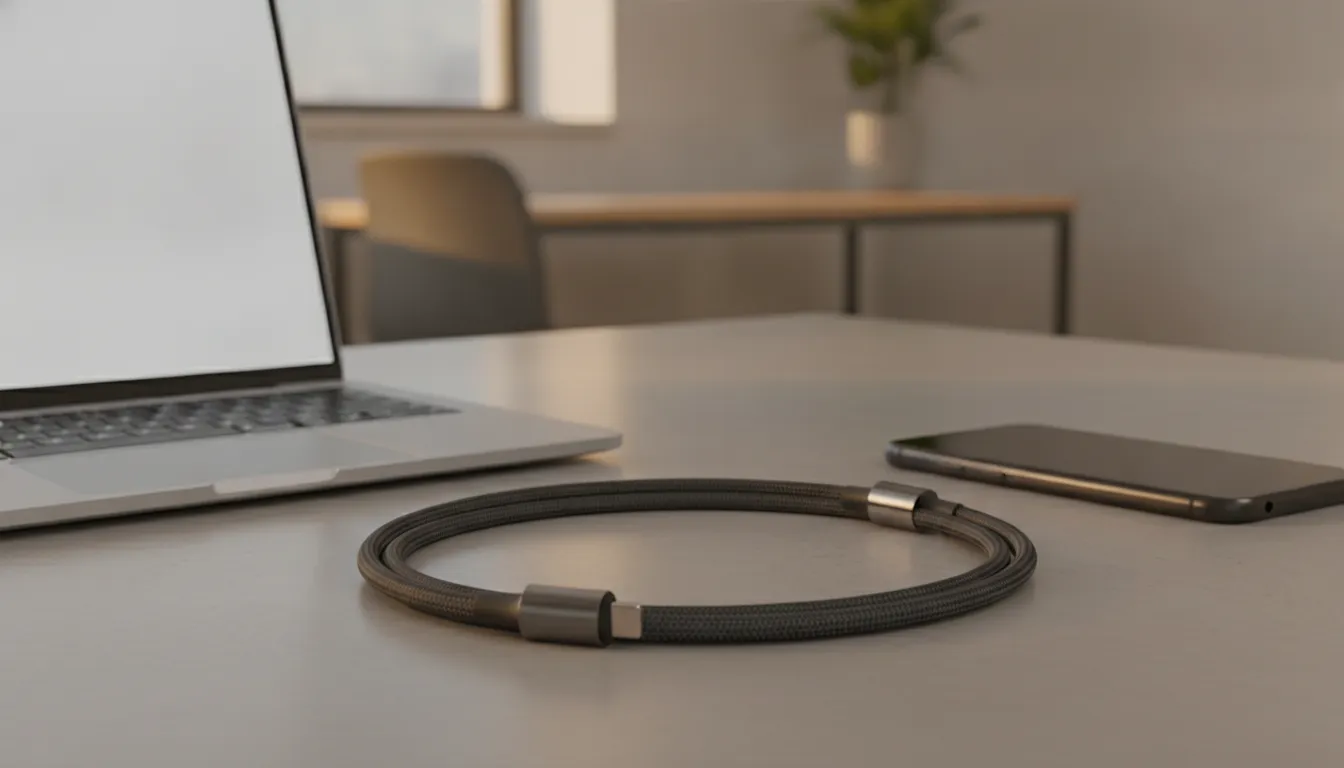
Wire gauge sets a cable's resistance: a lower AWG number means a thicker conductor that carries more current with less heat and voltage loss. A thicker-gauge USB-C cable fast charge setup delivers the charger's power more consistently and sustains speed under demanding use.
Wire gauge is one of the less visible factors that determines whether a USB-C cable fast charge setup delivers its expected performance. Gauge is measured using American Wire Gauge, or AWG. The scale works in reverse: a lower AWG number indicates a thicker conductor, while a higher number indicates a thinner conductor.
That difference matters because thicker conductors offer less electrical resistance. With less resistance in the cable, more current can travel from the charger to the device efficiently. A properly sized conductor also handles higher current with less heat, helping the charging system sustain performance instead of reducing output to protect the cable, charger, or device. The USB Implementers Forum Type-C specifications identify wire gauge, resistance, and current capability as connected parts of reliable power delivery.
Why does a thin cable charge more slowly?
An inadequate gauge creates a higher-resistance path. As current moves through that path, some energy is lost as heat. The result can be a voltage drop, meaning the device receives less voltage than the charger is attempting to provide. When the device detects unstable or insufficient power, it may lower its charging rate to maintain a safe connection. You may notice this as a slower charge, a cable that feels unusually warm, or performance that declines during demanding use.
Length can make this effect more noticeable. The longer the cable, the more conductor there is for resistance to accumulate. A longer cable therefore benefits from a thicker gauge, especially when it is expected to carry higher current. For travel kits, vehicle charging, and workstations, choose a cable built for the power level you plan to use rather than relying on connector appearance alone.
What should you look for in a fast-charging cable?
Look for clearly stated current and wattage capability, appropriate wire construction, and verified support for the charging standards used by your devices. Gauge is not the only requirement. The charger and device must also negotiate a compatible power profile, and the cable must be rated to carry that negotiated power. A premium cable combines those electrical specifications with durable construction, so it remains dependable through daily bends, packed bags, and repeated connections.
When speed, thermal control, and long-term reliability all matter, a thicker, properly rated cable is a foundation for consistent fast charging. It helps the rest of the charging chain perform as designed instead of becoming the bottleneck.
Related products


USB-C (240W) and USB-A (18W) cable options
View productWhat Role Do Wattage, PD, and PPS Negotiation Play?
Wattage is the amount of power available, while USB Power Delivery (PD) and Programmable Power Supply (PPS) govern how that power is negotiated and adjusted. A USB-C cable fast charge result only reaches its potential when the charger, the cable, and the device all support a shared profile.
A fast charge is not a one-way flow of electricity. The charger, cable, and device first establish what the complete connection can safely support. Wattage describes the amount of power available, while Power Delivery (PD) and Programmable Power Supply (PPS) describe how that power is communicated and adjusted. A capable USB-C cable fast charge setup depends on all three working together.
USB Power Delivery is an extensible standard that supports substantially higher power levels than standard USB charging. Earlier specifications reached up to 100W, while Power Delivery 3.1 supports higher levels for compatible equipment. See the KEUTEK guide to USB-C PD 3.1 fast charging for how those higher limits work. PPS adds more precise control by allowing voltage and current to change in small increments. That finer adjustment can improve charging efficiency and help manage heat, particularly as the battery approaches a higher state of charge. The USB Implementers Forum provides the underlying technical documentation for these standards at USB.org.
Here is what happens when a compatible charger, cable, and device are connected:
- The source announces its capabilities. The charger, known as the source, communicates the power profiles it can provide. Those profiles may include different voltage, current, and wattage combinations. A higher-rated charger offers more options, but its maximum output alone does not guarantee that every connected device will charge at that level.
- The connection accounts for the cable. The cable must be rated to carry the power being considered. Its construction, current capacity, and capability signaling help determine which profiles are safe to use. If the cable cannot support the requested level, the system should not treat the charger rating as the available charging speed.
- The sink requests a suitable profile. The phone, tablet, laptop, or other device acts as the sink. It evaluates the available profiles and requests the power level that matches its charging requirements. With PPS, the device can request more granular voltage and current adjustments instead of relying only on fixed steps.
- The source accepts and delivers power. The charger accepts the request, confirms that the connection is ready, and supplies the negotiated level. During charging, PPS can continue refining the output to balance speed, efficiency, and thermal control.
- The system falls back when compatibility is missing. If the charger and device cannot identify a common fast-charging protocol. Or the cable is not suitable for the requested wattage, the connection defaults to a lower standard power level. That fallback is a safety feature, not necessarily evidence that the cable is defective.
This negotiation is why replacing only the charger may not solve slow charging. Check the power profile supported by the device, the charger's PD or PPS support, and the cable's rated capacity as one complete system.
Why the E-Marker Chip Matters for Fast Charging
The e-marker is a small integrated circuit inside a high-power cable that tells the charger and device what the cable can safely carry. Accurate e-marker signaling supports secure high-wattage USB-C cable fast charge negotiation and prevents blind over-delivery of power.
A USB-C cable can look substantial on the outside and still lack the intelligence required for dependable high-power charging. Inside many high-power USB-C cables is an e-marker, a small integrated circuit that communicates the cable's capabilities to the connected charger and device. According to the USB Implementers Forum, that information can include the cable's maximum current and supported data transmission speeds.
This communication matters because the charger should not simply send its highest available output through every cable. The connected system first determines what the cable can safely carry, then negotiates an appropriate power level with the device. A properly implemented e-marker helps the charger recognize the cable's rated limits, supporting a safer and more predictable path to high-wattage charging.
What does the e-marker communicate?
The chip acts as a capability record for the cable. It can identify the maximum current and voltage profile the cable is designed to handle, along with relevant data-performance capabilities. This distinction is important when one USB-C cable is used for a phone, tablet, laptop, monitor, or portable power station. Charging power and data speed are related to the cable's construction, but they are not the same specification. A cable may support high charging power without offering the fastest data transfer, or the reverse.
Without accurate capability signaling, a charger and device may fall back to a lower standard power level. That is not necessarily a defect. It is often the system protecting the connected hardware when the cable, charger, and device cannot establish a compatible profile. The e-marker gives the negotiation reliable information instead of leaving performance to guesswork.
Why do connector materials and inspection matter?
The chip is only one part of the reliability equation. Connectors that use poor materials or develop inconsistent contact can add resistance, interrupt communication, and contribute to connection failure over time. Stable, low-resistance interfaces help preserve both charging performance and everyday durability.
KEUTEK takes this internal quality seriously. Its premium cables are hand-inspected before shipping, complementing rugged construction and a travel-ready design. When you need a fast-charging cable, look beyond exterior thickness or a large wattage claim. Reliable capability signaling, sound connector construction, and careful quality control are what turn a specification into dependable performance.
Does Cable Length Slow Down Fast Charging?
Yes, cable length can slow charging when longer conductors are too thin, because added resistance creates voltage drop. A well-built longer cable with thicker-gauge wire can still support a fast USB-C cable fast charge rate, while a thin long cable usually cannot.
Yes, cable length can affect charging speed, especially when a long cable is paired with conductors that are too thin for the power being delivered. Every cable has electrical resistance. As the conductor gets longer, resistance increases, which can create voltage drop between the charger and your device. The result is less usable power at the device and, in some cases, a slower charging rate.
This does not mean every long cable is a poor choice. A well-designed long cable can still support a reliable fast-charging cable setup when its internal conductors are appropriately sized. Wire gauge matters here. Lower American Wire Gauge, or AWG, numbers indicate thicker conductors with lower resistance. That additional copper helps a longer cable carry higher current while limiting voltage loss and heat. The USB Implementers Forum identifies cable length, wire gauge, and voltage drop as important considerations in USB Type-C performance. USB-IF standards provide the technical framework for safe power delivery.
Why can a long, thin cable charge more slowly?
When resistance is high, more energy is lost as heat along the cable instead of reaching the device. If the voltage arriving at the device falls below what the charging system can use efficiently, the device may reduce its charging rate to maintain a stable connection. You may notice this as a phone that charges quickly with a short cable but switches to a slower rate with a longer, lightweight one. The charger can be capable of high wattage, but the cable remains part of the power path, so its rating and construction still matter.
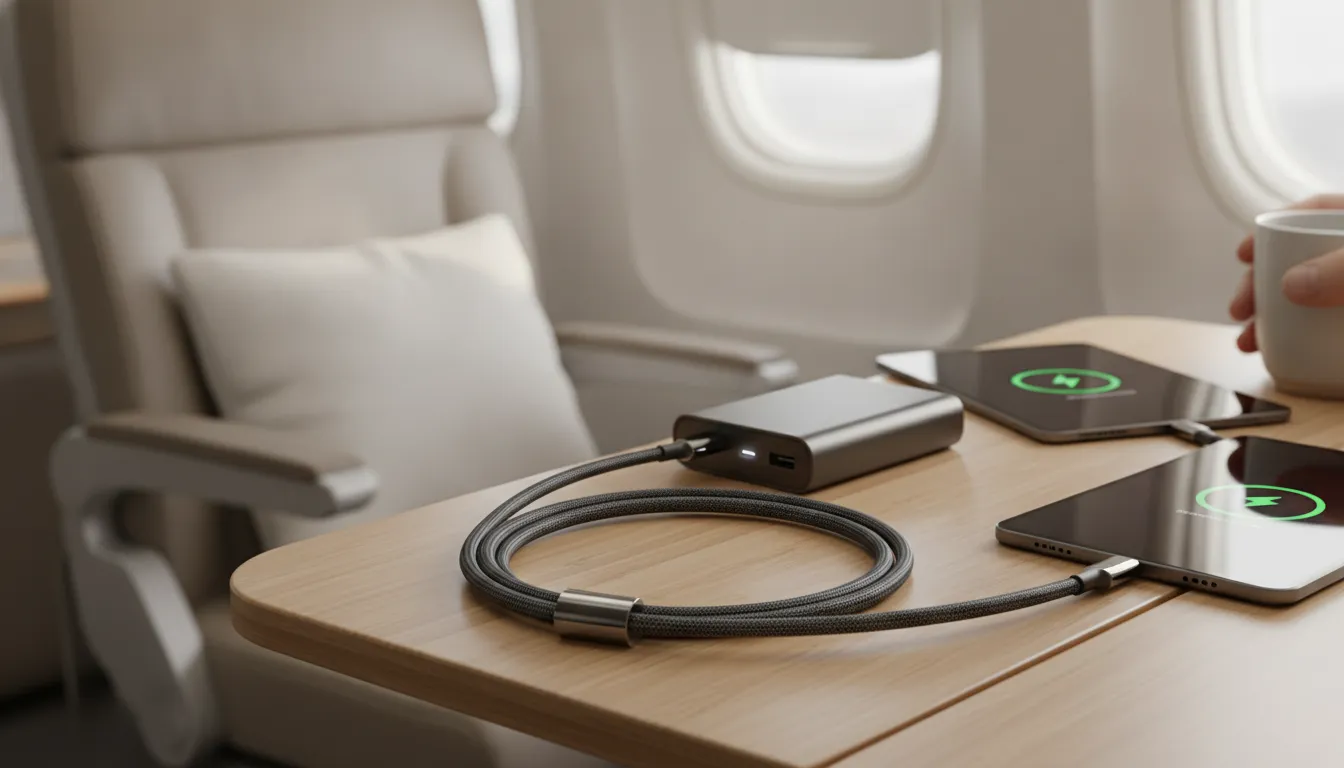
For peak wattage, choose the shortest cable that comfortably reaches your outlet, power bank, or vehicle port. If you need extra reach for a hotel nightstand, airport seat, or travel workstation, choose a longer cable built with thicker-gauge conductors and a power rating appropriate for your charger and device. Also inspect older cables for fraying or damaged connectors, since physical wear can compromise both safety and performance. The practical rule is simple: short is efficient, while long can still be fast when the cable is engineered to handle the distance. For more guidance on construction and service life, read KEUTEK's charging cable longevity guide.
Matching Your Charger and Device for a True Fast Charge
A true fast USB-C cable fast charge happens when the charger, the cable, and the device share a compatible power profile. The weakest rated component in the chain sets the practical ceiling, so match all three to reach the speed your hardware supports.
A capable cable cannot create a fast-charge profile that the charger or device does not support. The charger, cable, and device work as a chain. Each component must identify a compatible power profile, and the final charging rate is limited by the weakest capability in that chain. For example, a USB Power Delivery charger connected to a device that does not support the same PD or PPS profile will typically fall back to a safer, lower-wattage level. The same happens when the cable is not rated for the power being requested. USB-IF documentation describes this negotiation as a capability exchange between the source and sink.
That is why choosing a premium fast-charging cable is only one part of the decision. The KEUTEK article on how many watts a phone charger needs helps you size that power. Match the device specification, use a charger with the matching PD or PPS support, and confirm the cable's current and wattage rating. PPS can adjust voltage and current in smaller increments, helping compatible devices charge efficiently while managing heat. If the charger uses a legacy USB-A port, it may become the bottleneck because USB-A generally lacks the advanced communication required for modern USB-C PD and PPS charging. KEUTEK also backs its products with a lifetime warranty, as explained on its about and support page.
| Cable type | Max rated current | Typical wattage | Best for |
|---|---|---|---|
| Basic USB-C cable, USB 2.0 data speed | Up to 3A | Up to about 60W when paired with a compatible USB PD source | Phones, tablets, and everyday charging where USB 2.0 data is sufficient |
| USB-C PD cable with e-marker | 5A | Up to 100W for compatible PD devices | Compatible laptops, tablets, and high-power USB-C PD chargers |
| Premium 240W PD 3.1 cable, such as KEUTEK ProSeries Max | Up to 5A | Up to 240W for compatible PD 3.1 devices | Power-hungry laptops and other compatible PD 3.1 devices |
| Plain or basic cable | Varies | Typically about 15W at 5V | Basic charging when maximum speed is not required |
Use the table as a starting point, not a promise of the speed every device will reach. The ratings shown are the cable's maximum capability, not a guarantee of output: a laptop may accept less than the cable's ceiling. And a charger may divide its available output across multiple ports. For example, a 3A cable only delivers 60W when the source offers 20V at that current and the device asks for it. For consistent performance while traveling or working, match all three ratings and replace any cable that is frayed, loose, or visibly damaged.
Upgrade to the KEUTEK ProSeries Max fast-charging cable for the durability and high-wattage support your devices need, wherever you travel.
Frequently Asked Questions
Do all USB-C cables support fast charge?
No. USB-C describes the connector, not the cable's complete charging capability. A cable's internal wire gauge, current rating, length, and capability signaling determine how much power it can safely carry. The charger and device must also support a compatible fast-charging protocol. Check the cable's stated wattage and current rating rather than relying on the connector shape alone. For technical specifications, see the USB Type-C specification.
Does my USB-C cable determine charging speed?
It is one part of the charging system, but it does not determine speed by itself. The charger supplies power, and the device requests a supported profile. The cable must safely carry the negotiated current. If any component has a lower rating or lacks the right PD or PPS support, charging falls to the highest level all three can share.
How do I know if a USB-C cable is fast charging?
Look for a clearly stated wattage and current rating, compatibility with the charging standard used by your devices. And an e-marker when the cable is designed for higher-power charging. A reputable specification should identify whether the cable supports USB Power Delivery and, where relevant, PPS. Cable appearance alone cannot confirm performance, so avoid judging capability by thickness or connector style only.
What is the difference between USB-C data and charging cables?
A data cable is built for the signal speeds a device needs, while a charging cable is engineered to carry higher current safely. A cable can do both well, but the two are rated separately. A high-speed data cable may still limit charging power if its conductors are thin, while a robust charging cable may transfer data at standard speeds. Check both the wattage and the data-speed rating to match your usage.
Why is my USB-C cable not fast charging?
Start by checking the complete connection: charger output, device requirements, cable rating, and port type. A USB-A source, an unsupported PD or PPS profile, a long or damaged cable, or a loose connection can reduce charging speed. Try a known-compatible charger and cable, then check whether the device reports fast charging. If the problem persists, inspect the cable for heat, fraying, or bent connectors.


Leave a comment