

Durable USB C Cable Features: A Practical Spec Guide

When two USB-C cables look similar, the specification sheet often tells you more than the product photo. The most useful durable usb c cable features to compare are connector format, power capability, data standard, video support, length, marking or certification details, and warranty terms. This guide focuses on how to read those fields and avoid a mismatch between the cable you buy and the work you need it to do.
Shop the KEUTEK ProSeries Max fast-charging cable for a current, travel-ready charging option.
Quick answer: Start by writing down the ports and functions your setup requires. Then compare the cable's power rating, USB data capability, video support, connector configuration, length, and warranty as separate fields. A durable exterior is useful, but it does not automatically establish fast charging, high-speed data, or display support. The goal is a cable whose documented capabilities match the charger, device, and use case.
This is a spec-sheet comparison guide, not another explanation of braided jackets or strain relief. Those construction details matter, and KEUTEK already covers them in its guide to why braided USB-C cables can last longer. Here, the focus is the information a shopper can verify before placing an order.
Which Durable USB C Cable Features Should You Verify First?
Begin with the fields that can make a cable unusable for your setup: connector type, power ceiling, data function, video function, and length. Treat each as an independent question. A cable can be physically well made and still be the wrong choice if it has the wrong plug. Lacks the data standard you need, or cannot reach the device without tension.
- Connector configuration: Confirm whether you need USB-C to USB-C, USB-A to USB-C, or another arrangement.
- Power capability: Match the cable rating to the charger and device, not just the largest number in the listing.
- Data capability: Look for a named USB standard or transfer rate when syncing or storage is part of the job.
- Video capability: Confirm display support separately. A USB-C plug does not guarantee video.
- Length and flexibility: Choose a length that reaches the device without excess slack or a forced bend.
- Support and warranty: Read what is covered and how a replacement is handled before relying on the cable for travel or work.
Writing these requirements down prevents a common shopping mistake: selecting a cable by one attractive feature and discovering later that a different specification controls the result. The USB Implementers Forum publishes standards information at USB.org, which is a useful neutral reference when a listing uses USB terminology without explaining the capability.
How Do You Read USB-C Connector and Port Notation?
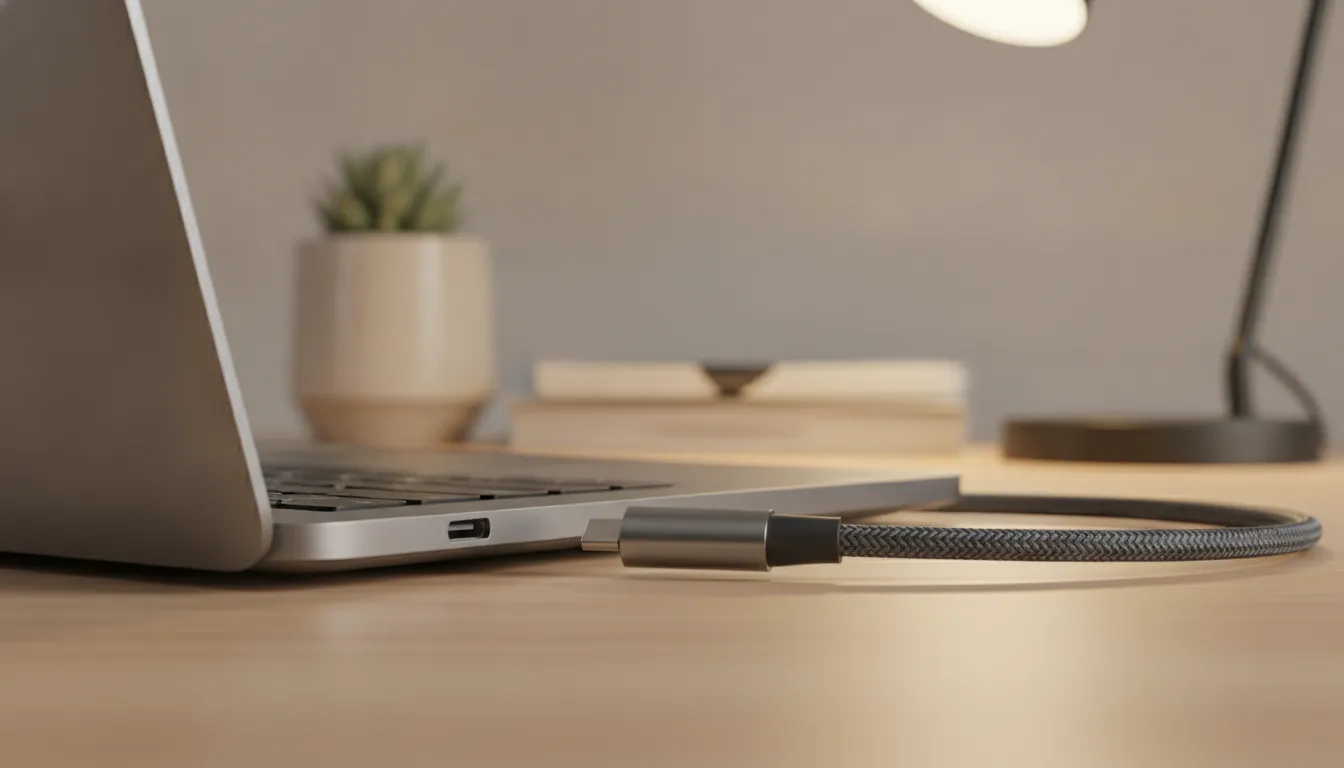
Connector notation describes the physical ends of the cable, not every function it supports. USB-C to USB-C is often the right starting point for newer wall chargers, laptops, tablets, and power banks. USB-A to USB-C may be the practical choice for an older charger, vehicle adapter, or battery pack. Both can be useful, but they are not interchangeable when the available port determines the connection.
What should USB-C to USB-C tell you?
A USB-C plug on both ends is convenient for modern charging setups, but the notation does not tell you the power, data, or video ceiling by itself. Check the product listing for those fields. If the cable will connect a laptop to a dock or storage device, do not stop at the phrase USB-C to USB-C.
When does USB-A to USB-C make more sense?
USB-A to USB-C can fit an older car charger, wall adapter, computer, or power bank. The available USB-A port may limit charging or data performance compared with a newer USB-C power source. That limitation comes from the complete connection, not from the cable's braid or connector shell. Confirm the source port before expecting a high-power result.
Why does the connector shape not prove compatibility?
USB-C identifies a connector family. It does not guarantee that every cable supports the same charging protocol, data rate, alternate mode, or display function. This is why a listing with a clear capability table is more useful than a listing that only says fast, durable, or universal.
KEUTEK's ProSeries Max is one example of a product where the connector configuration and power capabilities should be read together with the intended setup. It supports up to 240W power delivery with PD 3.1 and PPS, subject to the charger, device, and negotiated connection. It also offers USB-C/PD and USB-A/QC configurations, so the correct version depends on the ports in the kit.
What Power Details Matter in a Durable USB-C Cable Listing?
Power information is useful only when the cable, charger, device, and protocol are considered as one system. Read the maximum wattage as a cable capability limit, not a promise that every connected device will charge at that level. Then look for the charging protocol and confirm that the charger and device support the same path.
| Spec-sheet field | What the field can tell you | What it cannot tell you by itself |
|---|---|---|
| Maximum power rating | It can show the highest stated power the cable is designed to carry under the listed conditions. | It cannot make a lower-rated charger or device accept that maximum output. |
| USB Power Delivery | It can indicate that the cable is intended for a USB PD charging setup when the other components support it. | It cannot confirm the exact charging profile negotiated by every device combination. |
| PD 3.1 or PPS wording | It can identify protocol support that may matter for compatible chargers and devices. | It cannot replace checking the charger output, device input, and product documentation. |
| Electronic marking or E-marker language | It can provide additional information about a cable's declared capability in setups that require electronic identification. | It is not a universal durability rating and should not be inferred from a cable's thickness. |
| Charging claim without a number | It can signal the intended use, but it gives limited information for a high-demand laptop or multi-device setup. | It cannot establish a precise power ceiling, protocol, data rate, or video function. |
For a concrete KEUTEK example, the current ProSeries Max is rated for up to 240W and supports PD 3.1 and PPS. Those are useful comparison points for a compatible high-power setup. They are not a guarantee that a phone, tablet, laptop, wall charger, or power station will draw 240W. The connected hardware and negotiated protocol determine the actual result.
If you need a deeper explanation of how power negotiation works, see KEUTEK's USB-C PD 3.1 guide. Keep the two decisions separate: first confirm the required power path, then confirm the physical durability features that will help the cable survive the environment.
Related products


USB-C (240W) and USB-A (18W) cable options
View product
Which Data and Video Specifications Should You Check?
Data and video are separate buying decisions from charging. If a cable will move files, connect external storage, attach a monitor, or work inside a docked setup, find those capabilities in the product documentation. Do not infer them from a USB-C plug, a power rating, or a braided exterior.
How should you compare data claims?
Look for a named USB standard or a stated transfer capability. A listing that only says data cable leaves an important question unanswered. Also check both devices. A faster cable cannot make a slower port transfer at a higher rate, and a USB-A connection may be the limiting point in a mixed setup.
Use the same discipline when comparing a charging cable with a cable intended for file transfer. KEUTEK's guide to USB-C data transfer versus charging power explains why a power number and a data number should not be treated as the same specification.
What does a video claim need to include?
Video support should identify the relevant device, display mode, or alternate-mode requirement when possible. Confirm the source device, cable, display, dock, and adapters as a complete chain. A durable USB-C cable may be a good charging choice but still be unsuitable for a particular display connection if video support is not documented.
This distinction is especially useful for professionals who want one cable in a laptop bag. A cable that charges a computer may not support a monitor, dock, or high-speed storage workflow. If those functions matter, require a documented answer instead of treating the word universal as proof.
Compare the KEUTEK ProSeries Max specifications when power capability and rugged, travel-ready charging are priorities.
How Should Length, Flexibility, and Warranty Affect the Comparison?
Once the functional specifications are clear, compare the physical and ownership details that determine whether the cable fits daily use. Length should solve a real routing problem. Flexibility should make normal movement possible without forcing a sharp turn. Warranty terms should be specific enough that you know what support exists if the cable fails.
How much length do you actually need?
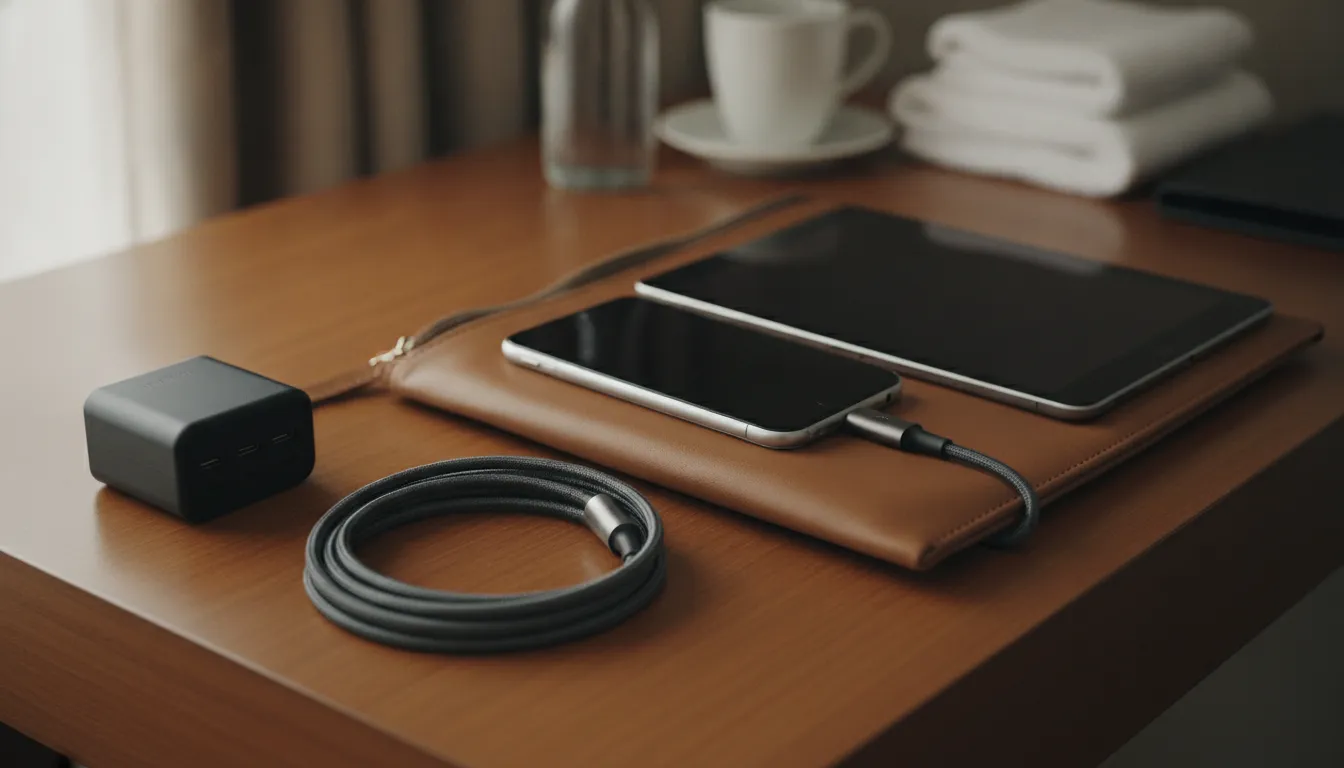
Measure from the charger or outlet to the device in the place where it will be used. A desk cable should reach without pulling on the port. A vehicle cable should avoid the shifter, steering area, and footwell. A travel cable should reach a hotel nightstand or seat without leaving a long loop that catches on other items. More length is not automatically better if it creates clutter and extra bend points.
Why should flexibility be compared with the environment?
A cable that must turn around a laptop edge or fit beside a seat benefits from manageable flexibility. A cable stored in a compact pouch benefits from easy coiling without a tight bend at either plug. The useful question is not whether the cable feels thick. It is whether its flexibility suits the route, storage method, and movement the cable will experience.
What should you verify in a warranty?
Look for the duration, covered failure types, exclusions, and replacement process. A lifetime warranty can add meaningful confidence, but it should be read as an ownership policy rather than a substitute for checking compatibility. KEUTEK positions lifetime protection as a product benefit, and the current ProSeries Max includes a lifetime warranty. Confirm the current terms on the product or support page before relying on them for a business or preparedness kit.
What Is the One-Minute Spec Check Before You Buy?
Use this short process when comparing two listings or preparing a cable for work, travel, or an emergency kit. It keeps the decision focused on documented compatibility instead of marketing adjectives.
- List both ports. Write down the source port and device port, including any hub, dock, vehicle adapter, or power bank in the chain.
- Set the required function. Decide whether the cable only charges or must also transfer data, connect storage, or support a display.
- Match the power path. Compare the cable rating and protocol with the charger output and device input.
- Read the data and video fields separately. Require a documented standard or capability when those functions matter.
- Check length and routing. Choose enough reach for the real environment without excessive slack or forced bends.
- Review ownership support. Confirm warranty terms, replacement steps, and any included accessories before the cable becomes essential.
After that check, evaluate construction evidence such as the jacket, connector shell, strain relief, and bend or tensile testing. Those features help with longevity, but they should be the final part of a complete comparison rather than the only part. For a broader look at cable longevity and handling, read KEUTEK's charging cable longevity guide.
Frequently Asked Questions
What are the most important durable USB C cable features?
Start with connector configuration, power capability, data standard, video support, length, and warranty. Then check construction evidence such as strain relief and bend testing. The right combination depends on the charger, device, and job. No single feature proves that a cable is suitable for every setup.
Does a high wattage rating prove that a USB-C cable is durable?
No. Wattage describes a power capability, while durability describes resistance to physical wear. Compare the power and construction specifications separately, then confirm that the charger and device support the intended power level.
Can every USB-C cable transfer data and video?
No. USB-C describes a connector family, not one universal data or display function. Read the listing and product documentation for the supported data standard and video capability, then verify the ports and devices on both ends.
Is USB-C to USB-C always faster than USB-A to USB-C?
No. The complete connection determines the result. The cable, source port, charger, device, protocol, and data standard all matter. USB-C to USB-C may fit newer high-power setups, while USB-A to USB-C can be the correct choice for an older adapter or vehicle charger.
What should travelers prioritize in a durable USB-C cable?
Choose the connector format used by the travel charger and devices, a practical length, manageable flexibility, documented power capability, and the data or video functions you actually need. A cable that matches the kit is more useful than one selected only for a large maximum rating.
What is a good example of a documented durable USB-C cable?
The KEUTEK ProSeries Max lists up to 240W power delivery with PD 3.1 and PPS, a 30,000+ bend rating, and 220 lb tensile strength. Those are product-specific specifications. The connected charger and device still determine the actual charging result, and the product page should be checked for current configuration and warranty details.
Shop a documented KEUTEK charging cable when you are ready to match durable construction with the specifications in your setup.


Leave a comment