

Why Is My Phone Charger Not Working? Safe Fixes

If you are searching for "phone charger not working," test the charging path in order: outlet, adapter, cable, phone port, device software, temperature, and battery. This sequence helps you find the failed part without forcing a connector or attempting an unsafe repair.
Shop KEUTEK fast wall chargers for a reliable power source when testing shows the adapter is the weak link.
A phone that shows no charging symbol, repeatedly connects and disconnects, or stays at the same battery percentage can make a healthy charger look faulty. Start with a simple setup and change one part at a time. The goal is not to guess which accessory failed. It is to isolate the problem safely.
What should you check first when a phone charger is not working?
Begin with one phone, one cable, one adapter, and one wall outlet. Disconnect hubs, docks, power strips, battery packs, and other devices for the first test. Extra connections can add a loose plug, a switched outlet, or a power-sharing limitation that makes the real cause harder to see.
- Unlock the phone and look for a charging icon, sound, vibration, or charging message.
- Unplug the cable from both the phone and adapter, then reconnect each end firmly.
- Remove a thick case or accessory that may prevent the plug from seating fully.
- Wait several seconds, then check whether the battery percentage begins to rise.
- If the battery is completely depleted, leave the phone connected to a known-good setup for several minutes before deciding that it failed.
If the same setup charges another compatible device, focus on the original phone. If neither device responds, move outward through the outlet, adapter, cable, and connectors. This isolate-and-compare approach follows the troubleshooting pattern in Google Pixel Help's charging guide, while the exact restart or recovery steps still depend on the phone maker.
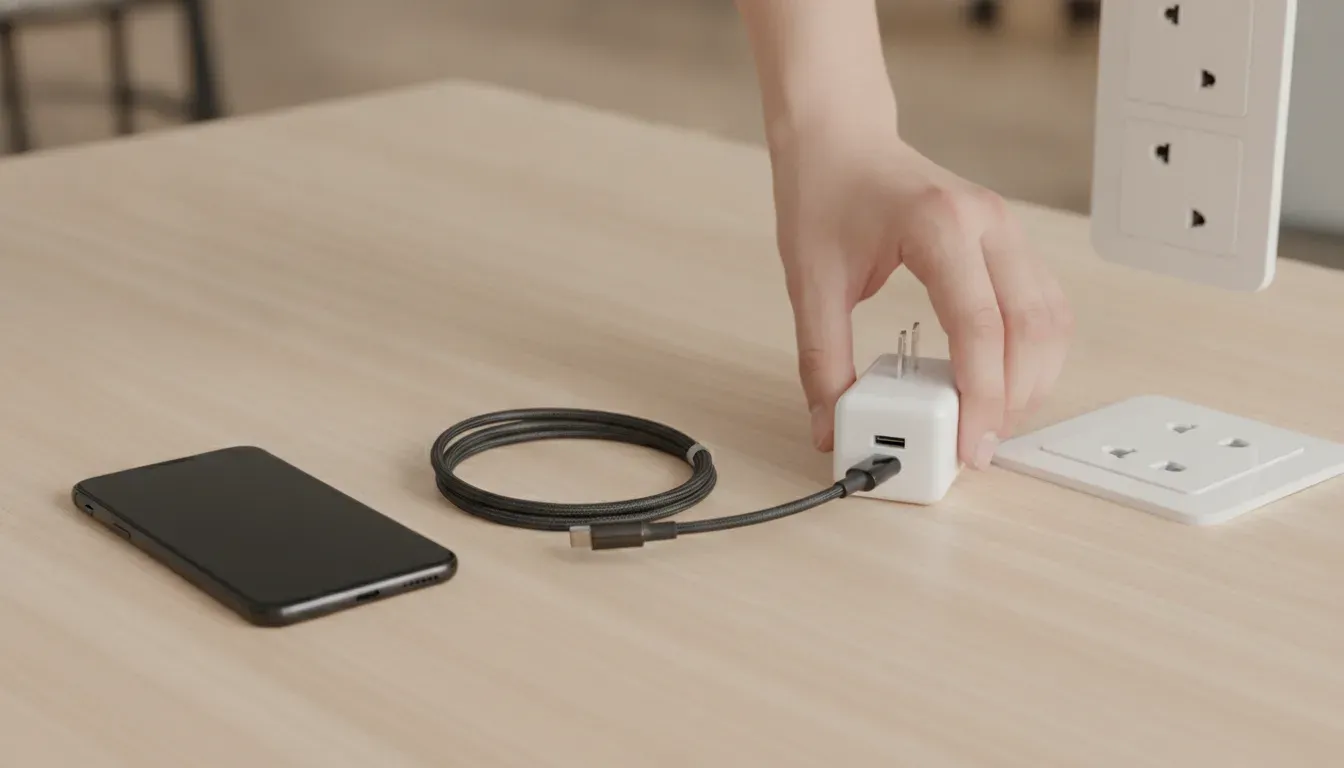
Is the wall outlet or power strip causing the failure?
A dead, switched, overloaded, or loose outlet can produce the same symptoms as a bad charger. Test the outlet with a simple device that you know works, such as a lamp. If you are using a power strip, extension cord, travel adapter, or switched outlet, bypass it and plug the charger directly into a working wall outlet.
Do not use an outlet that is warm, sparking, loose in the wall, wet, or showing signs of scorching. Move the test to a different outlet and arrange qualified electrical help if the outlet itself appears damaged. A phone-charging problem is not a reason to keep testing a questionable electrical connection.
Could the USB power adapter be the problem?
Inspect the adapter before testing it again. Look for a cracked enclosure, bent prongs, a loose USB port, discoloration, a burnt smell, liquid exposure, or unusual heat. Stop using an adapter with any of these signs. Do not open it or try to repair it at home.
If the adapter looks normal, test it with a different compatible cable and phone. Then test the original cable with a known-good adapter. This two-way swap tells you whether the fault follows the adapter or remains with the cable or phone. A multi-port charger can also behave differently when several devices are connected, so use one device on one port during the first test.
Compatibility matters too. A charger can fit a cable and still be a poor match for a specific phone, especially when the device expects a particular USB-C or power-delivery arrangement. For a USB-C setup, use a cable and adapter designed for charging, not a cable intended only for limited data use. KEUTEK's USB-C charging guide explains the basic compatibility checks without assuming that every USB-C accessory performs the same job.
How can you test the charging cable safely?
Cables often fail at the plug, strain relief, or an internal conductor. Inspect both ends for bent metal, looseness, corrosion, exposed wires, cuts, crushed sections, or fraying. If the phone only charges when the cable is held at an angle, treat that as a failed connection, not as a technique to keep using.
- Try a known-good charging cable with the same adapter and phone.
- Try the original cable with a different compatible adapter and device.
- Check that the connector matches the phone and is fully seated without force.
- Replace a cable that becomes hot, smells burnt, shows damage, or repeatedly disconnects.
Do not bend a cable sharply near the plug, tape over exposed conductors, scrape contacts with metal, or keep wiggling a connector to make power flow. Apple advises checking charging accessories for breakage or bent prongs and avoiding damaged accessories in its official iPhone charging support article. For a narrower USB-C cable diagnosis, see KEUTEK's USB-C cable troubleshooting guide.
Explore the KEUTEK ProSeries Max charging cable when a damaged or unreliable cable is the part that fails your test.
Related products

In today's interconnected world, reliable and efficient power is not just a convenience—it is a necessity.
View product →
Is the phone's charging port dirty, wet, or damaged?
Use a bright light to inspect the phone's port. Pocket lint, dust, moisture, corrosion, or a bent contact can prevent a connector from seating. Remove the cable and let any moisture dry completely. Do not insert a needle, pin, paper clip, or other metal object, and do not pour cleaner into the port.
If debris is visibly loose and the phone maker provides cleaning guidance, follow that guidance carefully. Stop if the material is packed in, the port looks bent, or the connector feels unusually loose. A damaged port needs professional service rather than repeated cable tests. Also check the cable plug itself, because debris or corrosion on either side can interrupt contact.
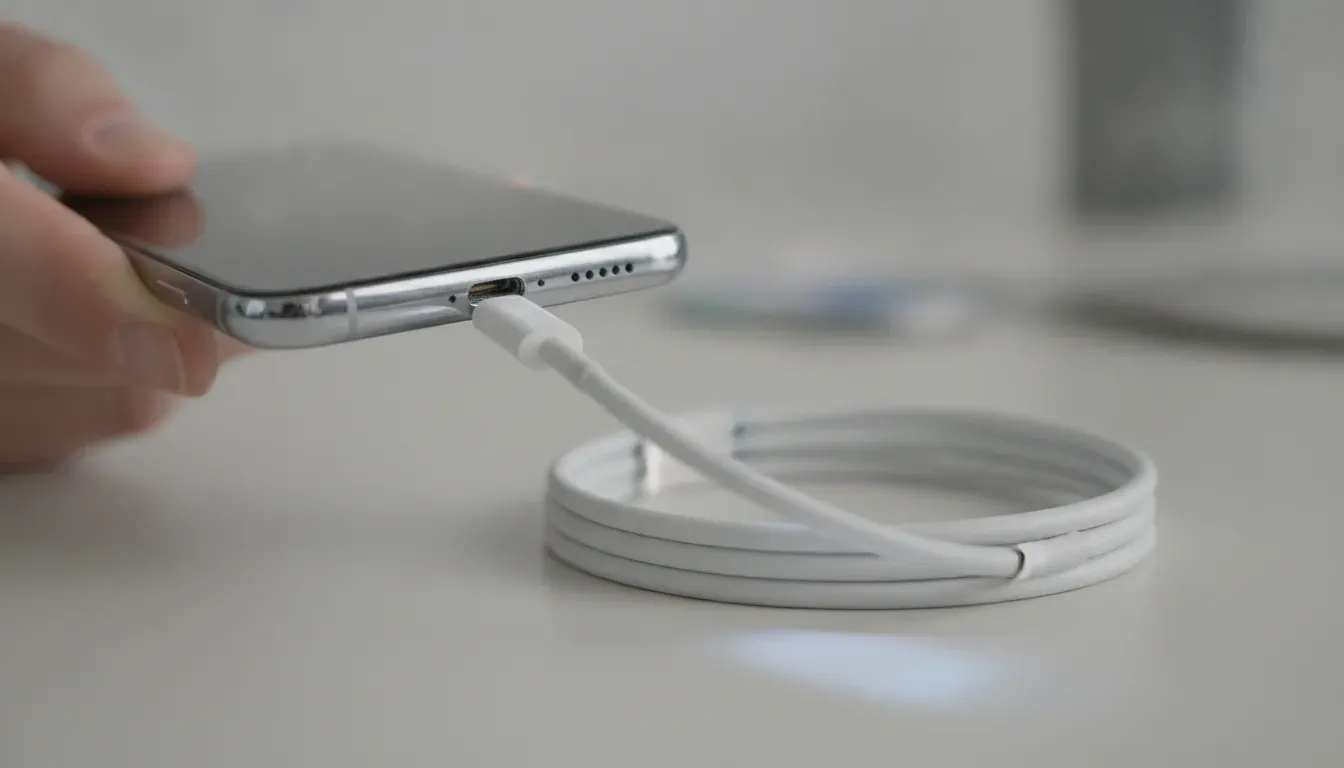
Can heat, moisture, or software stop a phone from charging?
Yes. Phones may reduce or pause charging when they are too warm, and some devices display a moisture warning or accessory alert. Move the phone and charger to a cool, dry, well-ventilated surface. Remove blankets, direct sunlight, and other heat-trapping materials. Do not place a wet phone on a charger to see whether it still works.
Apple explains that charging may be limited when an iPhone becomes too warm, and its safety guidance says to keep the phone, adapter, and cable in a well-ventilated area. Health Canada's USB charger safety assessment also describes overheating and electrical hazards associated with unsafe charger design. Treat heat, smoke, a burning odor, or liquid exposure as a stop signal.
After the phone returns to a normal temperature, restart it and test one known-good setup again. If the device is responsive, install the phone maker's pending system update when practical. If it is frozen or the screen is blank, use only the restart procedure from the device maker. Do not guess at button combinations for an unfamiliar model.
What if the battery is fully drained or failing?
A deeply discharged phone may need time before it shows a battery icon or responds to the power button. Connect it to a known-good wall charger and leave it undisturbed for a short period, then check for an indicator. Avoid repeatedly pressing buttons, swapping accessories every few seconds, or assuming a blank screen proves that the charger failed.
If the phone charges only briefly, shuts down when unplugged, swells, becomes unusually hot, or has a battery warning, stop using it and seek the manufacturer's authorized service. A swollen or damaged battery is not a do-it-yourself charging problem. Do not puncture, squeeze, open, or continue charging a device that shows physical battery damage.
How do you isolate the failed part?
Use the result of each swap to narrow the diagnosis. Change one variable at a time and record what happens. The table below keeps the test focused and avoids replacing several accessories without knowing which one failed.
| Test result | Most likely area | Next safe step |
|---|---|---|
| Another device charges with the same outlet, adapter, and cable. | The original phone, its port, software, temperature, or battery may be involved. | Inspect the phone, restart it, let it cool or dry, and follow the manufacturer's service guidance. |
| No device charges with the same adapter and cable, but a second adapter works. | The first adapter or its port is the likely failure point. | Stop using the suspect adapter if it is damaged, hot, wet, or unreliable, then replace it with a compatible model. |
| The phone charges with a second cable but not the original cable. | The original cable is likely worn, damaged, or incompatible. | Retire the original cable and choose a current charging cable matched to the phone and adapter. |
| The cable works only when bent or held at an angle. | The cable, plug, or phone port has a poor physical connection. | Stop wiggling it, inspect both connectors, and replace or service the failed part. |
| The phone shows a heat or moisture warning. | Temperature or liquid detection is interrupting charging. | Disconnect power, move the device to a cool dry place, and follow the phone maker's instructions. |
For a problem that happens only in a vehicle, use the separate car phone charger guide rather than assuming a wall charger has failed. Wireless charging symptoms also require a different alignment and accessory check, so keep that diagnosis separate from a wired charging path.
What should you never do when a phone will not charge?
- Do not keep using a cable with exposed wires, a damaged plug, or a hot connector.
- Do not open a wall adapter, phone, or battery to attempt an electrical repair.
- Do not force a plug into a port, scrape contacts with metal, or use liquid inside the port.
- Do not charge a wet, swollen, smoking, or severely overheated device.
- Do not treat a charging indicator as proof that the battery is actually gaining charge. Check whether the percentage rises.
- Do not leave a questionable charger running unattended near bedding, paper, or other flammable material.
If you see smoke, sparks, melting, or a strong burning smell, disconnect power only if you can do so without touching a dangerous component. Move away and contact appropriate emergency or electrical support. For ordinary charging failure without a safety warning, use the diagnostic sequence above and then contact the phone maker or an authorized repair provider if the problem persists.
Choose a current KEUTEK fast wall charger when your safe outlet and cable tests point to a worn or unreliable adapter.
Frequently asked questions about a phone charger not working
Why is my phone not charging even with a new cable?
The adapter, outlet, phone port, temperature, software state, or battery may be the cause. Test the new cable with a known-good adapter and outlet, then test that setup on another compatible device. If the second device charges, focus on the original phone.
How long should I leave a completely dead phone plugged in?
Leave it connected to a known-good setup for several minutes before judging the result. A fully depleted device may take time to show an icon. If it remains unresponsive after the manufacturer's recommended recovery steps, arrange service rather than repeatedly changing accessories.
Can dust in the charging port stop charging?
Yes. Dust or lint can prevent the plug from seating or interrupt contact. Inspect the port with a light, keep metal objects and liquid away from it, and use the phone maker's cleaning guidance. A bent or loose port should be serviced.
Is it safe to use a charger that gets hot?
A charger or connector that is unusually hot, smells burnt, discolors, sparks, or shows damage should be disconnected and retired. Keep normal charging equipment in a ventilated area and follow the device maker's safety instructions.
When should I stop troubleshooting a phone charger?
Stop when there is heat damage, smoke, liquid exposure, swelling, a damaged port, exposed wiring, or an electrical warning. Also stop after a known-good outlet, adapter, and cable fail to restore charging. The next step is the phone maker's authorized service, not an internal repair.
Key takeaways
A phone charger not working does not automatically mean the phone battery is dead. Start with a known-good outlet, adapter, cable, and phone. Inspect for damage, moisture, heat, and port debris, then change one component at a time. If the issue follows one accessory, replace it. If it stays with the phone, or any safety warning appears, stop troubleshooting and use authorized service.


Leave a comment