

USB-C PD Explained: A Technical Fast-Charging Guide

A USB-C connector tells you what fits, not how quickly it will charge. The real performance decision happens after connection, when the charger and device exchange digital messages and agree on a supported power level. With USB-C PD explained at the protocol level, confusing results become predictable: a powerful charger cannot overcome a limited cable, a capable cable cannot upgrade a low-output port, and a device always sets the ceiling for the power it will accept.
Building a high-power USB-C-to-USB-C setup? Pair your compatible charger and device with the Sovix 100W Fast Charging Cable, a premium fixed-tip cable designed for up to 100W fast charging.
USB Power Delivery, usually shortened to USB PD, is a power-negotiation standard used over USB connections. It allows a source, such as a wall charger, to advertise available power options and lets a sink, such as a phone or laptop, request one of those options. A successful negotiation can deliver more power than basic USB charging while keeping the source, sink, and cable within their declared capabilities.
In short: USB-C is the reversible connector format, while USB PD is the communication protocol that negotiates power. Fast charging works only when the device, charger, cable, and selected port support a compatible combination of voltage, current, and wattage.
USB-C PD explained: what happens after connection
The path begins with a low-power connection. A charger does not immediately apply its highest advertised voltage when a device is plugged in. First, the USB-C connection identifies the source and sink roles. The source then communicates a set of supported power options, often called Power Data Objects. The sink evaluates those options and requests one that fits its charging controller, battery condition, thermal state, and operating demand.
After the source accepts that request, it changes its output to the agreed level. The connection can renegotiate later. A laptop under a heavy workload may request a different level than it does while asleep, while a phone may reduce its request as its battery fills or temperature rises. This active control is why the wattage shown on a charger is a capacity limit, not a promise that every connected device will continuously receive that amount.
Source, sink, and cable roles
Every USB PD charging path has three participants. The source supplies power, the sink receives it, and the cable carries both power and the signals used for configuration and negotiation. In some systems, supported devices can swap source and sink roles. That capability is useful for equipment such as laptops, displays, docks, and portable batteries, but the role change still has to be negotiated.
- Source: Advertises the voltage and current combinations it can provide through the connected port.
- Sink: Requests a supported combination based on what the device can use at that moment.
- Cable: Carries the negotiated current and may electronically identify its rated capability when higher current is required.
The weakest capability in that chain governs the result. If a charger can provide 100W but the device accepts no more than 45W, the device will not request 100W. If the charger and device support a high-power mode but the cable is not rated for it, the system should remain at a lower supported level. For a broader cable-selection overview, see the USB-C fast-charging cable guide.
Fixed profiles and programmable power
Traditional USB PD negotiation uses defined voltage levels. Newer implementations can also support Programmable Power Supply, or PPS, which allows a compatible device to request smaller voltage adjustments within an advertised range. That finer control can help a device manage conversion losses and heat, but PPS only operates when both the source and sink explicitly support it.
The important point is that branding on one component never guarantees an end-to-end mode. A phone that supports PPS needs a PPS-capable charger and an appropriate cable. A USB PD charger without PPS can still charge that phone through a mutually supported fixed profile, but it may not activate the phone's fastest proprietary charging behavior.
Watts, volts, and amps in a USB PD setup
Electrical power is measured in watts. In simplified charging terms, watts equal volts multiplied by amps: W = V x A. Voltage describes electrical potential, while current describes the rate of charge flow. USB PD can increase available power by negotiating a higher voltage, a higher supported current, or both.
A 100W label usually identifies the maximum output available under specific conditions. It does not mean that every port supplies 100W simultaneously, nor does it mean that a connected device must accept 100W. Multiport chargers may redistribute their total output when another device is connected, and the allocation rules vary by charger. Check the port labels and manufacturer documentation before assuming how the total is divided.
| Example negotiated level | Voltage | Current | Calculated power | What it demonstrates |
|---|---|---|---|---|
| Basic USB-C power | 5V | 3A | 15W | Connector capability alone does not imply high-power PD |
| Common PD profile | 9V | 3A | 27W | Higher voltage raises available wattage |
| Common PD profile | 15V | 3A | 45W | All components still need compatible ratings |
| High-power PD profile | 20V | 5A | 100W | Higher current requires a cable identified for that current |
| Extended Power Range example | 48V | 5A | 240W | USB PD 3.1 can extend beyond the earlier 100W ceiling |
These figures are protocol examples, not predictions for a particular product. A device's charging controller chooses among the options actually advertised by the connected source. Battery state, temperature, background workload, and manufacturer charging logic can all change the observed input. That is why charging often starts quickly and then tapers as the battery approaches full.
If you are choosing a power source rather than diagnosing a cable, compare the device's documented input requirement with the output available from the specific charger port. KEUTEK's fast wall charger collection and fast car charger provide starting points for different charging locations.
Why not every USB-C cable delivers the same power
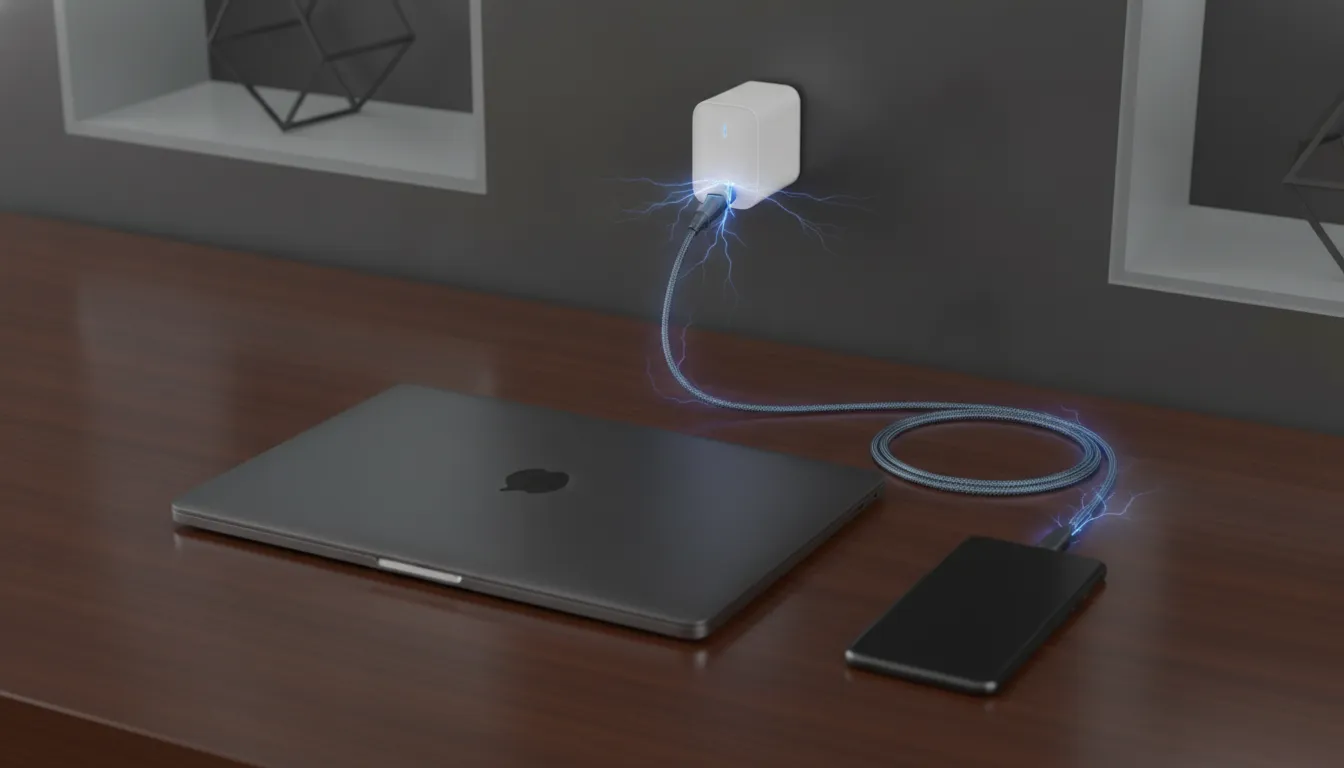
USB-C describes the connector, but cables differ internally. Their conductor design, supported current, data capability, and electronic identification can vary even when the plugs look identical. Some USB-C cables are intended primarily for basic charging or data. Others are designed to carry higher negotiated power. Visual inspection alone rarely reveals the complete capability set.
When electronic cable identification matters
For USB PD operation above 3A, the system needs a cable with an electronically marked identification component, commonly called an E-marker. This component reports relevant cable capabilities to the connected equipment. It does not force the charger to produce more power; instead, it helps the source and sink determine whether the cable is suitable for the requested mode.
High power and high data speed are also separate characteristics. A cable can be designed for substantial charging power without supporting the fastest data-transfer mode, or it can support advanced data features with a different power rating. Buyers should check both specifications when one cable needs to charge hardware and connect storage, displays, or docks.
A reliable selection process is more useful than choosing by connector shape or marketing shorthand:
- Find the device manufacturer's documented USB-C input wattage and supported charging protocol.
- Choose a charger whose specific port supports a compatible USB PD output at or above the device requirement.
- Select a USB-C-to-USB-C cable rated to carry the required power.
- Verify any separate data or video requirements instead of assuming they follow from wattage.
- Connect one device first, then observe whether adding another device changes a multiport charger's allocation.
For charging away from an outlet, the same compatibility logic applies to a portable source. Its advertised capacity describes stored energy, while its USB-C output specification describes how quickly it can deliver power to a compatible device. Browse fast-charging portable power with those two measurements kept separate.
Related products

In today's interconnected world, reliable and efficient power is not just a convenience—it is a necessity.
View product
Adaptive technology throttles 1-5 amp charging output based on your device.
View product
Adaptive technology throttles 1-3 amp charging output based on your device.
View productHow to diagnose USB-C PD charging that feels slow
Slow charging does not automatically indicate a defective charger or cable. It usually means one component has established a lower limit or the device has deliberately reduced demand. Diagnosis is fastest when variables are changed one at a time rather than replacing the entire setup.
A practical troubleshooting sequence
Start with the device's official charging specification, then compare it with the charger's per-port output table and the cable rating. If the numbers appear compatible, test while the device is cool, at a lower battery level, and with no second device connected to the charger. Those conditions reduce common sources of power throttling and port sharing.
- Confirm the active port: Different ports on the same charger can advertise different maximum outputs.
- Remove shared loads: Disconnect other devices to determine whether the charger reallocates power across ports.
- Inspect the cable and connectors: Stop using equipment with damaged insulation, bent plugs, looseness, or signs of overheating.
- Control temperature: Move the device out of direct sun, remove unusually insulating obstructions, and let hot hardware cool.
- Reduce device workload: Gaming, video rendering, navigation, and other intensive tasks consume power while charging.
- Test known-compatible components: Substitute one documented component at a time to identify the limiting link.
A power meter can reveal the approximate negotiated voltage and current, but interpreting it requires care. The reading can change throughout a session, and power entering the device is not identical to energy stored in the battery because the device itself consumes energy and conversion introduces losses. Treat a meter as a diagnostic aid, not as proof that a product is failing to meet a claim.
Also distinguish a protocol mismatch from normal tapering. If charging is fast at a low state of charge and slows near full, that is commonly the device's battery-management strategy. If it remains slow from the start, review the port, protocol, cable capability, and charger allocation. The PD charger guide can help clarify source selection.
Can a high-wattage USB PD charger damage a smaller device?
With standards-compliant, functioning USB PD equipment, a higher-capacity charger does not simply push its maximum wattage into a smaller device. The charger advertises options, and the device requests a supported level. A phone connected to a 100W-capable source may request far less, while a laptop may request more from that same source.
That negotiated behavior makes a charger's wattage best understood as available capacity. However, protocol intelligence is not a reason to use damaged, counterfeit, poorly specified, or incompatible equipment. Stop using any charger or cable that becomes abnormally hot, has visible damage, fits loosely, or behaves inconsistently. Follow the connected device manufacturer's charging instructions, especially when proprietary protocols or specialized hardware are involved.
USB PD also cannot make an unsupported device charge faster. If the sink does not support USB PD, the connection falls back to a mutually supported behavior. Likewise, a charger that lacks the device's preferred mode may still provide power but at a lower rate. Compatibility, not the largest printed wattage, determines the practical result.
Build a balanced USB-C Power Delivery chain
The best USB-C PD setup is not necessarily the one with the highest number on every component. It is the one in which the device, charger port, and cable support the same required mode, with enough capacity for the intended workload. Start from the device requirement, then select the charger and cable around it. That approach avoids paying for capability the device cannot use while preventing an overlooked component from limiting performance.
For travelers and multi-device users, document the role of each item in the charging kit. A compact label noting cable wattage or intended device can prevent mix-ups between visually similar cables. When using a multiport source, keep its power-allocation table accessible so connecting a second device does not create a surprising drop in laptop charging performance.
Think about sustained demand as well as battery charging. A laptop performing intensive work may consume much of the incoming power before any remaining energy reaches its battery. In that situation, a low-output source can slow battery depletion without increasing the charge percentage. A properly matched USB PD chain gives the device enough available input for both its operating load and its charging strategy, subject to the limits set by the device itself.
Complete a compatible high-power charging chain with the Sovix 100W Fast Charging Cable, a premium fixed-tip USB-C-to-USB-C cable with up to 100W fast charging, reinforced aluminum connectors, and durable braided construction.
Frequently asked questions
What is the difference between USB-C and USB PD?
USB-C is a physical connector format. USB PD is a protocol that allows compatible sources and devices to negotiate power. A port or cable can use USB-C connectors without supporting every USB PD mode or high-power level.
Does a 100W charger always send 100W?
No. The 100W figure describes maximum available output under specified conditions. A connected device requests a supported power level, and multiport chargers may redistribute output when more than one device is connected.
Do I need an E-marked cable for USB PD?
Not for every USB PD mode. Electronic cable identification is required when a USB PD connection operates above 3A. Check the required wattage and current for the device and charger combination before selecting a cable.
Why does fast charging slow down near a full battery?
The device controls its charging request and commonly reduces power as the battery fills or temperature rises. This tapering is part of battery and thermal management, even when the charger and cable can deliver more power.
Can one USB PD charger power phones and laptops?
A USB PD charger can power different compatible devices when its ports offer the profiles those devices require. Each device negotiates its own supported level, but charger capacity and multiport allocation still determine the available output.


Leave a comment