

USB-C Charging Speeds: 60W vs 100W Explained

Choosing between 60W and 100W should not feel like decoding a spec sheet. USB-C charging speeds depend on the device, charger, cable, and charging protocol working together. A 100W-rated cable does not force every device to charge at 100W; it simply gives compatible equipment more available headroom.
Shop the KEUTEK Sovix 100W USB-C cable for simple, dependable fixed-tip charging.
The practical difference between 60W and 100W is flexibility. A 60W-capable setup may be enough for phones, tablets, and many compact laptops. A 100W-capable setup gives compatible, higher-demand laptops more room to draw power. Choosing the right setup starts with the maximum input your device supports, then matching every component in the charging chain.
USB-C charging speeds at a glance
Watts measure power. In a USB-C charging setup, wattage is calculated by multiplying voltage by current, measured in amps. Higher wattage can provide more charging power, but only when the connected device requests it and every component supports the negotiated profile.
The slowest component sets the ceiling
Think of a charging setup as a chain. The wall adapter supplies power, the cable carries it, and the device accepts it. If a 100W adapter connects through a cable rated for less power, the cable limits the available rate. If the charger and cable support 100W but the phone accepts much less, the phone sets the limit.
This is why changing only one part may not improve charging. Before buying an upgrade, check the device's input specification, the output listed for the charger's individual port, and the cable's supported wattage.
Maximum wattage is not a constant rate
A wattage rating describes a maximum, not a promise that the device will draw that amount continuously. Compatible devices usually reduce power as the battery fills. Temperature, current workload, battery health, and power-management software can also affect the rate. Slower charging near a full battery is often normal behavior designed to manage heat and battery wear.
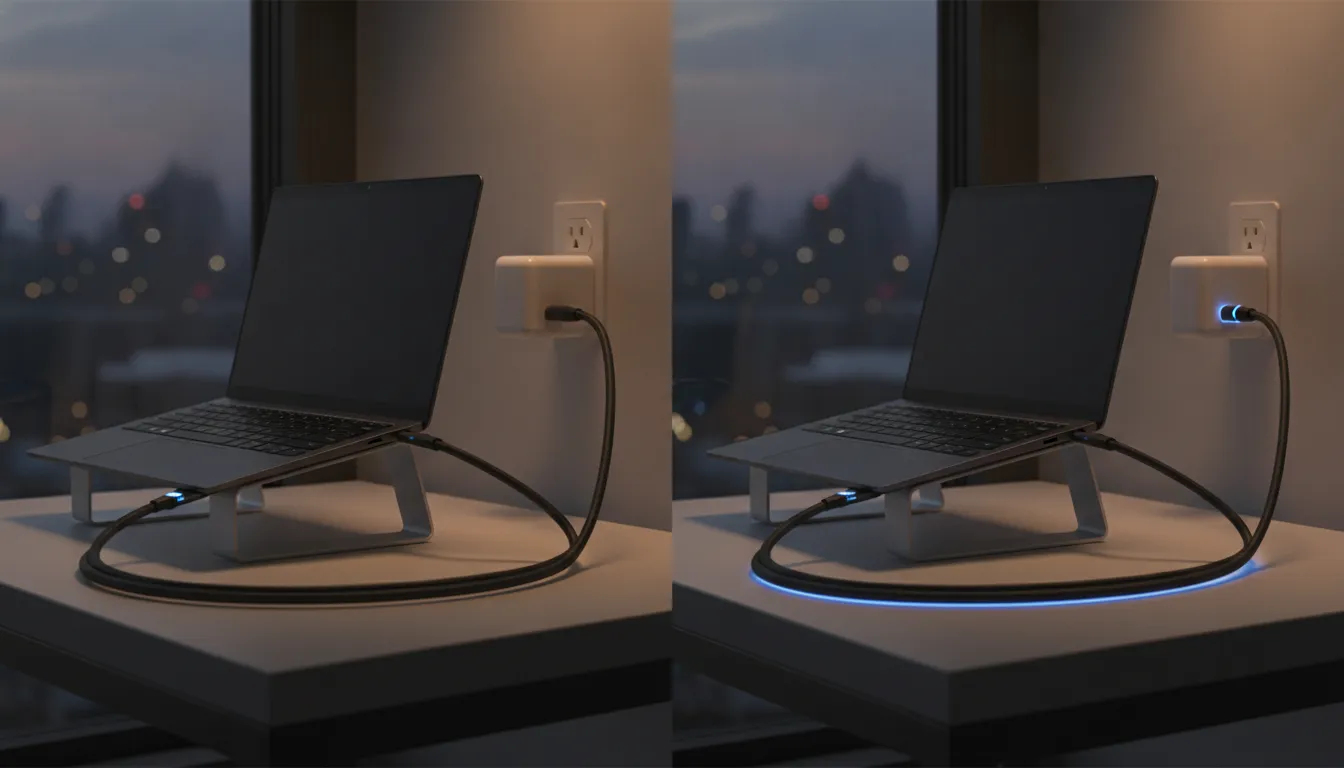
60W vs 100W USB-C charging compared
Both ratings can support fast charging, but they suit different power demands. The useful choice is the one that matches the highest-power device you regularly carry while leaving enough flexibility for future equipment.
| Factor | Up to 60W | Up to 100W |
|---|---|---|
| Typical fit | Phones, tablets, accessories, and many compact laptops | Those devices plus compatible higher-demand USB-C laptops |
| Current at common USB PD profiles | Often up to 3A | Can require up to 5A |
| Cable identification | Check the stated power rating | Look for a clearly rated 5A, e-marked design |
| Best reason to choose | Your devices do not request more power | You want broader laptop support and more headroom |
When up to 60W can be enough
If your highest-demand device accepts no more than 60W, a correctly matched setup can meet its needs. Phones and tablets generally request far less than that ceiling. Many thin laptops also operate within this range, although the exact requirement must be verified in the device documentation.
Using a higher-rated cable will not make a lower-power device charge beyond its designed input. That is not a drawback. It simply means the device is controlling the session as intended.
When 100W offers a practical advantage
A 100W-capable setup becomes useful when a compatible laptop can accept more than 60W, especially while it is running demanding applications. It also makes sense for travelers who want one fixed-tip USB-C-to-USB-C cable that can serve a wider mix of current and future devices.
The extra rating creates headroom, but it does not bypass the limits of the charger or device. To reach higher USB-C charging speeds, pair a compatible device with a USB Power Delivery charger whose selected port can supply the required wattage.
How does USB Power Delivery control charging speed?
Direct answer: USB Power Delivery lets the charger and device negotiate a safe, compatible power profile before higher power begins flowing.
USB Power Delivery, commonly called USB PD, lets compatible devices and chargers communicate before higher power begins flowing. They exchange information about supported power profiles and agree on a suitable combination. This negotiation is a key reason one charger can safely serve devices with very different power needs.
A higher rating does not force power into a device
Connecting a phone to a 100W-capable charger does not mean the charger pushes 100W into the phone. The phone requests a supported level, and the charger responds with an available profile. When all parts follow the protocol correctly, the device remains in control of how much power it accepts.
That makes a higher-rated setup useful for convenience. It can support a demanding laptop and still charge a lower-power accessory at the level that accessory requests.
Why e-marking matters at higher current
For USB-C power above the common 3A range, the system needs to know that the cable can safely carry higher current. An electronically marked, or e-marked, cable contains a chip that identifies its capabilities to connected equipment. For a 100W setup, look for clear documentation that the cable supports 5A and the intended wattage.
A connector's shape alone does not reveal its power rating. Two USB-C-to-USB-C cables can look almost identical while supporting different charging and data capabilities. Product specifications matter more than appearance.
Should you choose 60W or 100W?
Start with the device that needs the most power. Find its USB-C input specification in the manufacturer's documentation, then choose a charger and cable that meet or exceed that requirement. A higher cable rating provides capacity, but the actual charging rate remains limited to what the device and charger negotiate.
For phones, earbuds, and tablets
These devices typically do not need a 100W input. A higher-rated cable can still be useful because it works across a broader charging kit, but it will not make a phone exceed its supported rate. Prioritize a dependable fixed-tip connection, clear specifications, and a charger that supports the protocol your devices use.
For laptops and a one-cable travel kit
Laptops make the rating decision more important. Some compact models work comfortably below 60W, while more demanding compatible models may benefit from higher available power. If you use several USB-C devices or expect your next laptop to need more power, 100W gives you greater flexibility.
For an everyday fixed-tip option, the KEUTEK Sovix 100W USB-C cable is designed around simple USB-C-to-USB-C charging, durable braided construction, and up to 100W support. Match it with compatible equipment to make use of its full rating.
For multi-port chargers
Check how the charger distributes power when more than one port is active. A charger advertised with a high total output may provide less from an individual port, especially when several devices are connected. The relevant number is the output available from the port and connection pattern you actually use.
How can you troubleshoot slow USB-C charging?
When charging feels slower than expected, test the chain methodically. Changing several pieces at once makes it harder to identify the limiting component.
- Confirm the device input. Find the maximum supported USB-C charging wattage and required protocol in official device documentation.
- Check the charger's selected port. Read the per-port output, not only the total wattage printed on the front.
- Inspect the cable rating. Confirm that it supports the wattage and current needed for the desired power profile.
- Disconnect other devices. Multi-port chargers may redistribute available power when another port is active.
- Inspect and reconnect the ports. Debris, wear, or an incomplete connection can interrupt reliable charging.
- Reduce heat and workload. A hot device or a laptop under heavy load may charge more slowly or use incoming power to operate.
- Test one known-compatible component at a time. This isolates whether the charger, cable, or device is limiting the session.
Charging speed and data speed are separate
Do not assume a cable with fast charging automatically provides the fastest data transfer. USB-C describes the connector, while charging wattage and data standards are separate specifications. Check both ratings if you plan to use the same cable for power, storage, displays, or docks.
Heat and battery level change the experience
Many devices charge fastest at lower battery levels and reduce power later in the session. They may also limit charging when temperatures rise. Compare performance under similar conditions before deciding that a component is defective.
What should you look for in a 100W USB-C cable?
A useful cable should have specifications that are easy to verify. Look for an explicit 100W rating, USB-C connectors on both ends when your charger and device require them, and e-marking or 5A support for the higher-current profile. Avoid relying on vague claims such as fast or rapid without a stated wattage.
Build quality supports everyday reliability
Cables get bent, coiled, packed, and pulled throughout the day. Reinforced connectors and durable braided construction can help a cable withstand regular handling. A dependable fixed-tip design also keeps the setup simple because there are no separate connector pieces to track.
Length deserves attention too. Pick a cable long enough for the way you charge at a desk, on a nightstand, or while traveling. Then confirm that its stated power rating applies to that exact length and model.
Match the full setup, not one specification
A clearly rated 100W cable creates a capable connection, but the charger still needs to supply the right USB PD profile and the device needs to accept it. Review all three specifications together. This prevents overbuying for a low-power device and avoids an unexpected bottleneck when powering a laptop.
KEUTEK also offers fast wall chargers, a fast car charger, and fast portable power for building a charging kit around different environments.
Frequently asked questions about USB-C charging speeds
Will a 100W cable charge every device faster?
No. A 100W rating shows the cable's maximum supported power. The actual rate is limited by the device's input, the charger's output, and the negotiated charging protocol. A phone that accepts a lower wattage will continue to charge at its supported rate.
Can I use a 100W-rated cable with a lower-power charger?
Yes, when the connectors and protocols are compatible. The cable can carry up to its rating, but the lower-power charger sets the available ceiling. This can be convenient when you want one cable for several chargers and devices.
Why is my laptop still losing battery while plugged in?
The laptop may be consuming more power than the charger provides, particularly during demanding work. Check the laptop's recommended input, the charger's per-port output, and whether other connected devices are causing the charger to redistribute power.
Does USB-C always mean USB Power Delivery?
No. USB-C describes the connector shape. Power Delivery support and wattage capabilities must be confirmed in the specifications for the charger, cable, and device.
Plan a charging kit that works everywhere
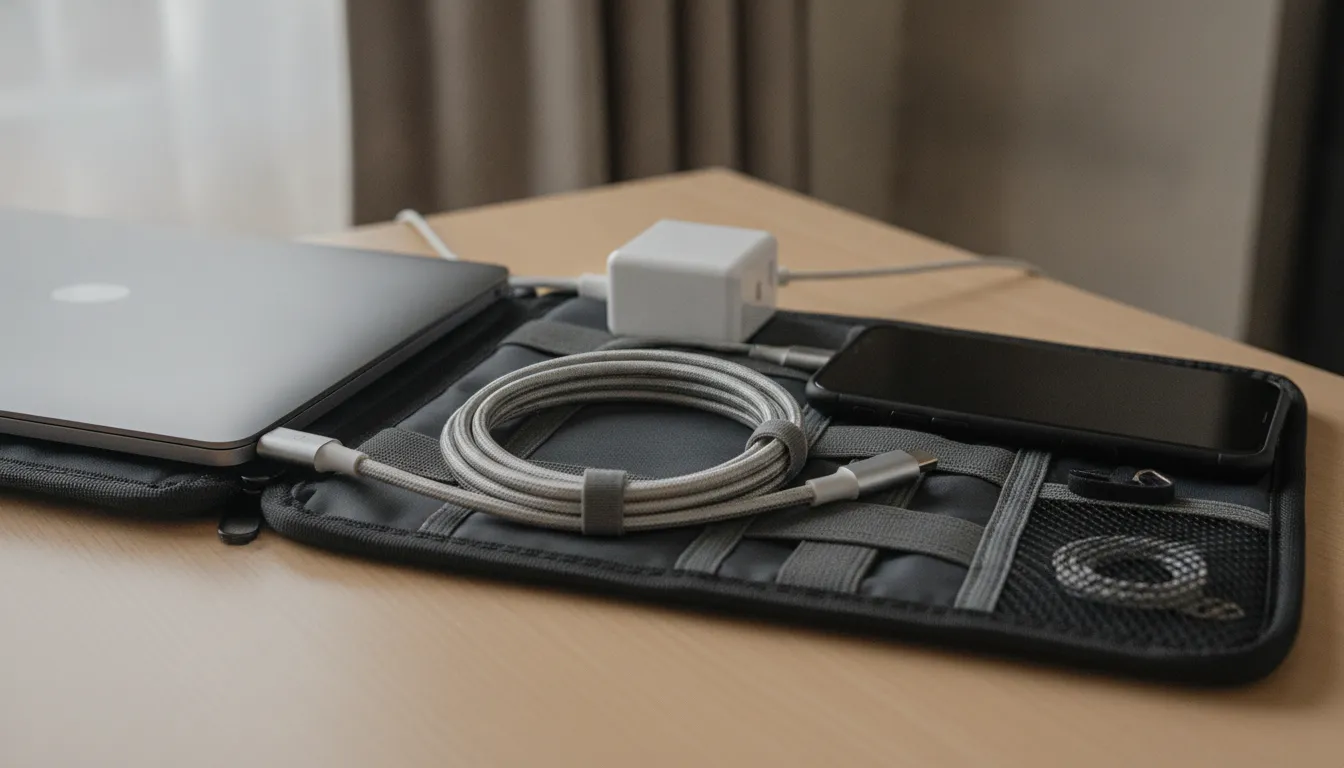
A practical charging kit starts at home and stays useful on the road. Begin with a wall charger that has enough per-port output for your most demanding device. Add a clearly rated USB-C-to-USB-C cable, then consider a car charger or portable power source for times when an outlet is not available. Keeping the same dependable cable in your everyday bag reduces the chance that an unmarked spare will become the weakest part of the system.
Labeling matters when several people share chargers and cables. Store lower-power accessory cables separately from the cables intended for laptop charging. If a cable does not have a clear rating, avoid assuming it supports a demanding power profile based only on its connector. A short note or storage pouch can make the right component easy to find during travel.
Review the kit whenever you replace a laptop, tablet, or charger. A new device may support a different input level, while an older multi-port charger may divide its output in ways that no longer fit your routine. Matching the components again takes only a few minutes and helps you get predictable USB-C charging speeds without buying equipment you do not need.
Choose dependable power for your everyday devices
Better USB-C charging speeds begin with a matched system. Verify your highest-power device, choose a charger with the appropriate per-port output, and use a clearly rated cable that can carry the negotiated power.
Shop the KEUTEK Sovix 100W USB-C cable for a simple, durable fixed-tip option built for everyday USB-C charging and travel.


Leave a comment