

USB C Cable for iPhone and Android

A household rarely upgrades every phone on the same day. One person still plugs in with Lightning. The next phone in the family uses USB-C. A single fixed cable cannot seat in both ports. The useful question is which USB C cable for iPhone and Android actually covers the phones you still own.
The short answer is a port check, not a brand guess. If every phone in the house uses USB-C, one USB-C to USB-C cable is enough. If any phone still uses Lightning, you need a Lightning path too. That path can be a separate Lightning cable, or one magnetic cable that ships with both a Lightning tip and a USB-C tip. An adapter is a different job, and it is only worth it when you are keeping a cable you already trust.
See the ProSeries Max cable and both tips before you buy a second cord.
What Does a USB C Cable for iPhone and Android Need to Fit?
Start with the port on the phone, not the words on the cable box. Apple says iPhone 15 and later models use a USB-C connector for charging and for connecting to other devices. Earlier iPhones use Lightning. Most current Android phones use USB-C. A cable only works when the tip matches that port. Apple documents this on its USB-C charging page for iPhone.
Write down four facts before you shop:
- Check each phone's port. Lightning is a thin centered plug, while USB-C is a small oval that inserts either way.
- The port on the charger. A USB-C wall charger wants a USB-C cable end. A USB-A charger wants a USB-A cable end.
- Whether you need charge only, or charge plus data. CarPlay and Android Auto need a cable that states data support, not charge-only.
- Who shares the cable. A desk used by two people needs a tip for each phone, not a cable that lives in one bag.
That inventory decides the cable. It also stops the common mistake of buying a USB-C cable for a Lightning iPhone and then blaming the charger when nothing happens. Browse the fast charging cables for iPhone and Android after you know which port each phone uses.
When Is One USB-C Cable Enough for Every Phone?
One USB-C to USB-C cable is the right pick when every phone you charge has USB-C. That includes iPhone 15 and later, plus current Samsung Galaxy and Google Pixel phones. Apple says you can charge those iPhones with a USB-C cable and a compatible USB-C power adapter, including USB Power Delivery.
Power Delivery is the handshake, not a speed promise printed on the jacket. The USB-IF describes USB Power Delivery as flexible power, and data, over one cable. Its USB Power Delivery overview is the primary source for that behavior. The charger offers power. The phone accepts only what it is built to take. A higher-watt charger does not force a phone to pull the charger's full rating.
Use one plain USB-C cable when these are all true:
- No phone in the shared kit still has a Lightning port.
- The wall, car, or power-bank port you use most is USB-C.
- You do not need to keep an older Lightning cable in service.
If a Lightning phone is still in daily use, that single USB-C cable leaves it uncharged. Do not solve that with a random dongle until you have read what the adapter actually connects. Our USB-C to Lightning adapter guide covers plug direction and what the adapter must state before you trust it.
Which Phones Still Need a Lightning Path?
Any iPhone from before the iPhone 15 still charges through Lightning. The iPhone 12 is the clearest example in a mixed house, because many of those phones are still in daily use. Our iPhone 12 charger type guide covers that model's port and fast-charge setup. This page only needs the port fact: Lightning in, not USB-C.
A Lightning phone can share a USB-C charger only if something in the chain speaks Lightning. You have three honest options:
- Keep a separate USB-C to Lightning cable for that phone, and a USB-C to USB-C cable for the newer phones.
- Use one magnetic cable that includes both a Lightning tip and a USB-C tip, and leave each tip in its phone.
- Keep a known-good Lightning cable and add a USB-C adapter only if the adapter's direction matches that cable.
The first option is simple and uses two cords. The second option is the one-cable answer for a mixed house. The third option is for people who already own a Lightning cable they want to keep. It is not a reason to buy a new adapter plus a new cable.
How Should a Mixed House Choose a USB C Cable for iPhone and Android?
Match the cable to the oldest port you still use every day. If that port is Lightning, a USB-C-only cable is incomplete. If that port is USB-C, a Lightning cable is the extra part, not the main one.
| Phones in the house. | Cable that fits. | What to verify before you buy. |
|---|---|---|
| Every phone has USB-C, including iPhone 15 and later. | One USB-C to USB-C cable is enough. | Confirm both ends are USB-C and the charger port is USB-C. |
| One phone is Lightning and another is USB-C. | Use one magnetic cable with both tips, or two fixed cables. | Confirm the listing includes a Lightning tip and a USB-C tip. |
| You already own a good Lightning cable. | Keep that cable and add a USB-C source only when the adapter matches. | Confirm the adapter states charging and shows which end is the plug. |
| You also charge a laptop from the same cord. | Use a separate high-watt USB-C cable for the laptop. | Do not assume the phone tips also cover a laptop port mix. |
Read each cell as a buying check, not a yes or no. A cable that fits the port can still be a poor daily driver if the charger end is the wrong shape.
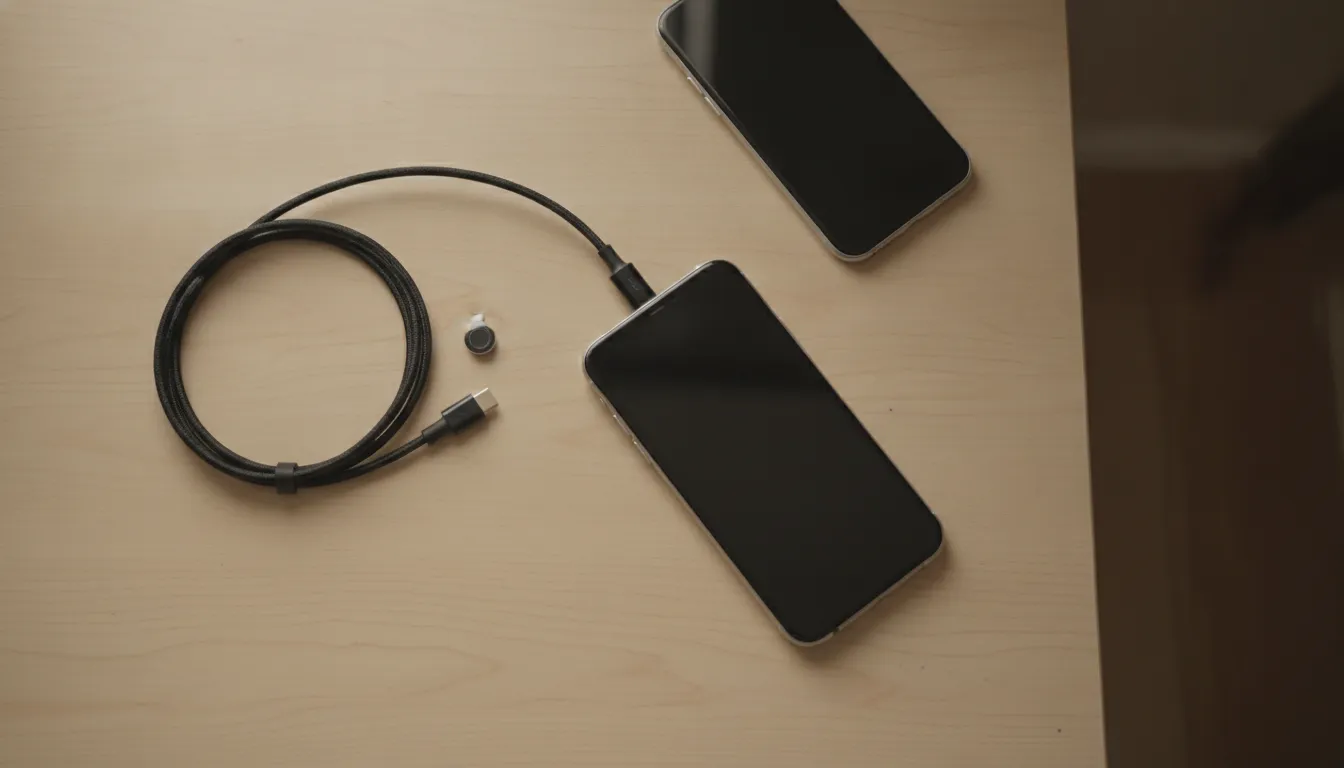
What Should You Check on the Cable Itself?
Port shape is the first filter. Build and stated power are the second. A mixed house plugs the same cord in many times a day, often in a car or a bag, so the neck and the tip matter as much as the connector name.
Check these points on the product page:
- Connector ends. Confirm the charger end and the device end in the photos, not only in the title.
- Included tips, if the cable is magnetic. Count them. A Lightning tip plus a USB-C tip covers the mixed-phone case. A Micro-USB tip matters only if you still own that older port.
- Stated charging support. Look for USB Power Delivery on a USB-C cable, or the wattage the page actually prints. Do not invent a combined wattage for two phones on one cable.
- Data, if you use the car. The page should say the cable supports data, CarPlay, or Android Auto if that is the job.
- Length for the real path. KEUTEK lists the ProSeries Max USB-C cable at 3 ft and 6 ft. Measure the cord path and add a little slack instead of guessing from the package photo.
Leave a magnetic tip in the phone between charges. That keeps dust out of the port and lets the next person connect without hunting for the right plug. It does not change which tip the phone needs.
Related products


Power your older Android devices, portable speakers, and various accessories.
View productHow Does KEUTEK Cover Both Ports with One Cable?
KEUTEK builds charging gear for people who move between home, the car, and time off the grid. The company ships from the United States, backs products with a lifetime warranty and a 45-day money-back guarantee, and keeps a 24/7 support line at 1-800-919-0233. That is the practical frame for a shared household cable: one cord people can replace under warranty instead of a drawer of dead ones.
The ProSeries Max Fast Charging Cable is the current one-cable option for this job. The live page lists two USB-C lengths, 3 ft and 6 ft, rated up to 240W USB-C Power Delivery, plus a 6 ft USB-A version rated at 18W. Each cable includes one Lightning tip and one USB-C tip. The page says the tips are shared across the USB-C and USB-A cable types, and it tells iPhone 15 and later, Samsung Galaxy, and Google Pixel owners to use the included USB-C tip. The rest of the fast charging cable lineup is there if you need a different charger end.
The same page states a 30,000-plus bend test, a 7 lb magnetic hold, USB 2.0 data at 480 Mbps, and Apple MFi certified Lightning tips. Sale price on the page was $44.99, down from $59.99. Use the live page for the price you pay, because promotions change.
The USB-C version is the one to choose when the charger, power bank, or car port is USB-C. The USB-A version is the one to choose when the only open port is still USB-A. Both can carry the Lightning tip and the USB-C tip, so the phone mix stays covered. They do not support Micro-USB. If a very old phone still needs Micro-USB, look at the Original USB-A cable instead of forcing this one.
The Original USB-A Fast Charging Cable is the three-tip option. The live page includes Lightning, USB-C, and Micro-USB tips, lists lengths of 3.2 ft and 6.5 ft, and shows a sale price of $29.99 from $39.99. It is a USB-A cable, so it belongs on a USB-A charger. It is not a substitute for the 240W USB-C ProSeries Max when your charger port is USB-C.
About KEUTEK is the short version of who makes these cables: a U.S. brand focused on cross-device charging, with hand inspection before shipping and orders fulfilled from Alpharetta, Georgia. Read how KEUTEK handles support and warranty if you want the company details before you order.
What Does This Cable Not Decide for You?
This choice is the shared phone cable. It is not a full charger plan for one iPhone model, and it is not a laptop plan.
If your only phone is an iPhone 15 or later, the wattage and travel-kit questions live in the iPhone 15 USB-C charger guide. If you want one USB-C cable to charge a laptop as well as a phone, that negotiation is covered in one USB-C cable for multiple devices. Read those when they match the job. Do not expect this page to size a 20W phone charger or a 100W laptop cord.
Also skip these traps:
- Do not add the charger wattage to the cable wattage and call that the phone's speed. The phone takes what it requests.
- Do not buy a USB-C cable for a Lightning phone and hope the plug will fit. It will not.
- Do not treat a charge-only cable as a CarPlay or Android Auto cable unless the page says data is supported.
- Do not use a retired lower-watt ProSeries listing. The current ProSeries cable on the site is the ProSeries Max.
How Do You Test the Setup Tonight?
Put the cable on the charger you will actually use, then test each phone once. A fitting plug is not the same as a finished charge.
- Seat the charger-end plug fully. USB-C should click into a USB-C port. Do not force a USB-C plug into USB-A.
- Put the Lightning tip in the older iPhone and the USB-C tip in the USB-C phone. Leave each tip installed.
- Connect one phone and wait for the charge indicator. On the ProSeries Max, the page says an LED shows charging status.
- Swap to the second phone. If only one phone charges, the tip is on the wrong phone or the charger port does not match the cable end.
- If you need the car screen, plug in and confirm CarPlay or Android Auto starts. Charging alone does not prove the data path.
If a phone does not charge, stop and check the chain in order: charger port, cable end, tip, phone port. Replacing all four at once hides the bad part.
Call KEUTEK at 1-800-919-0233 if you want help matching a cable to the phones you own.
Frequently Asked Questions
Can one USB-C cable charge an iPhone and an Android phone?
Yes, when both phones have USB-C ports. iPhone 15 and later use USB-C, and current Android phones use USB-C, so one USB-C to USB-C cable can move between them. A Lightning iPhone still needs a Lightning tip or a separate Lightning cable.
Will a USB-C cable fit an older iPhone?
No. iPhones before iPhone 15 use Lightning. A USB-C plug will not seat in that port. Use a Lightning cable, or a magnetic cable that includes a Lightning tip.
Do I need a USB-C to Lightning adapter?
Only if you are keeping a Lightning cable you already own and your power source is USB-C. If you are buying new, a cable with both tips is simpler than a cable plus an adapter. Check adapter direction before you rely on one.
Does a higher-watt charger charge every phone faster?
Not by itself. USB Power Delivery lets the charger and the phone agree on a level. The phone accepts only what it supports. A 240W cable rating is the cable's ceiling, not a promise that a phone will draw 240W.
Which KEUTEK cable includes both a Lightning tip and a USB-C tip?
The ProSeries Max includes one Lightning tip and one USB-C tip. Choose the USB-C cable, up to 240W, for a USB-C charger. Choose the USB-A version, listed at 18W, only when the charger port is USB-A. The Original USB-A cable adds a Micro-USB tip and is the pick when that third port is still in the house.


Leave a comment