

Type-C USB Fast Charge Cable Buying Guide: Watts and Build

Choosing a USB-C cable is not just a matter of finding the connector that fits. The cable also needs to match your device's power requirements, your charger, and the way you use it. A phone may charge well with a lower power profile, while a tablet or laptop can require substantially more output. Build quality matters, too, especially if the cable travels between a desk, vehicle, and carry-on.
A Type-C USB Fast Charge Cable supports the power level your device can use and works with the charging standard your charger provides. Check the cable's wattage rating, confirm USB Power Delivery compatibility when relevant, and choose reinforced construction for dependable everyday charging.
The right choice becomes clearer when you separate charging technology from marketing labels, then compare wattage ratings with the devices you actually carry. Start by looking at what makes a Type-C cable fast-charging capable in the first place.
Shop the Sovix 100W fast charging cable for a durable braided fixed-tip option, or compare other premium choices in the fast charging cables collection.
How Does a Type-C USB Fast Charge Cable Affect Charging Speed?
A fast-charging cable is more than a cord with a USB-C connector on each end. The connector provides a compact, reversible interface for power and data, but charging performance depends on how the cable, charger, and device work together. USB-C is a universal connector standard that can support USB Power Delivery (USB-PD), along with data transfer. That flexibility is why the same connection type appears across phones, tablets, laptops, power banks, and other modern electronics.
USB-PD is the key technology behind many Type-C USB fast charge cable setups. Rather than sending a fixed amount of power without checking the device, the charger and device communicate to determine an appropriate power level. The device requests what it can accept, and the charging system supplies power within the capabilities of the connected components. This negotiation helps a compatible system deliver power efficiently instead of treating every device as if it had the same requirements. See the USB Implementers Forum overview of USB Power Delivery for the technical standard.
Connector type is only the starting point
Two cables may both use USB-C connectors while supporting different power capacities or data performance. The cable specification, charger output, and device input must all align. A phone may charge quickly with a lower power profile, while a laptop can require substantially more power for charging during use. If any part of the setup has a lower limit, that limit can determine the practical result.
Match the cable to the charging system
Start by checking the device's power requirement and the charger's output. Then choose a cable rated to support that combination. A cable rated at 60W, for example, may not be sufficient for a device that requires 100W or more. Matching the rating prevents the cable from becoming the bottleneck and gives USB-PD the capacity it needs to negotiate an appropriate charging profile.
For shoppers who want a straightforward fixed-tip option, the Sovix 100W Fast Charging Cable is designed for high-performance USB-C charging. You can also compare compatible options in KEUTEK's fast charging cables collection. The right choice is not simply the cable with the most impressive number. It is the cable whose verified capacity fits the device, charger, and everyday charging needs.
How Many Watts Do You Need for Your Phone, Tablet, or Laptop?
Wattage is a ceiling, not a guarantee that every device will draw the full amount. Your charger and device also need to support the same charging protocol, and the device will negotiate the power it can safely accept. The practical rule is simple: choose a cable rated at or above your device's requirement, then confirm the charger's output and the manufacturer's specifications. USB-IF documentation explains how USB-C cable and connector capabilities fit into the broader standard. So use the rating as a compatibility checkpoint rather than a promise of a specific charging speed: review the USB-IF cable and connector guidance.
| Cable rating | Good fit | What to check |
|---|---|---|
| 60W | Smartphones, tablets, and many compact laptops | Confirm that the device does not require more than 60W under load. |
| 100W | Ultrabooks, larger tablets, and many mainstream laptops | Match the cable to a charger that can deliver the laptop's listed input requirement. |
| 240W | Compatible 100W-plus laptops and other high-power USB-C devices | Verify that the charger, cable, and device all support the required USB Power Delivery profile. |
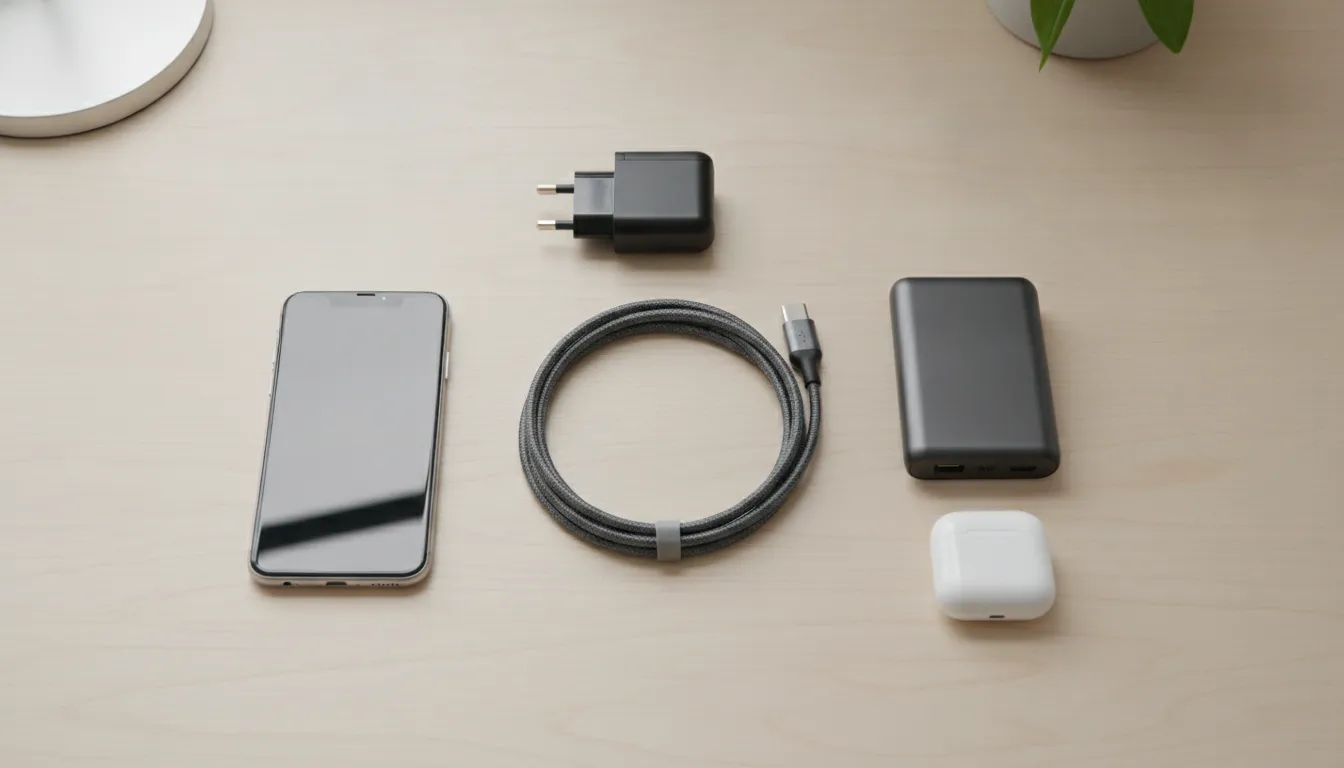
For phones and tablets
Most smartphones and tablets use lower power profiles than laptops. So an appropriately rated 60W or 100W cable may provide useful headroom without requiring the device to accept more power than it is designed for. The cable rating alone does not make a phone charge faster. The phone, charger, and charging standard must work together.
For ultrabooks and laptops
Laptops are where wattage matching becomes essential. Research used for this guide notes that larger devices require higher-wattage USB-C charging, while smaller devices generally use lower profiles. A cable rated at 60W may not be sufficient for a laptop that requires 100W or more. For that use case, select a 100W or 240W option based on the laptop's documented requirement, then verify the charger's output before buying.
When your devices span phones, tablets, and laptops, a premium Sovix 100W Fast Charging Cable can be a practical middle-ground for compatible equipment. It gives a multi-device setup more capacity than a basic lower-rated option, while keeping the decision focused on verified device and charger requirements. For more options, browse KEUTEK's fast charging cables and compare the listed specifications.
60W vs 100W vs 240W: Which Cable Rating Matches Your Charging Needs?
A wattage rating describes how much electrical power a compatible cable is designed to carry. It is not a promise that every device will draw that amount. Your charger and device also need to support the same power profile, and USB Power Delivery negotiates the appropriate level before charging begins.
That distinction matters when you are choosing a Type-C cable for more than a phone. A lower-rated cable can work well for smaller devices, but it may become the limiting component when you connect a laptop or another device that requests more power. Research used in this guide notes that a cable rated at 60W may not be sufficient for equipment requiring 100W or more. Check the device manufacturer's power requirement before you buy.
What a 60W rating is suited for
A 60W rating can be appropriate for many phones, tablets, accessories, and lower-power laptops, depending on the device's charging profile. The rating gives you useful headroom over basic charging needs, but it does not automatically make the cable suitable for every laptop. If your computer's adapter calls for more than 60W, choose a cable with a higher verified capacity instead of assuming USB-C alone guarantees full-speed charging.
When 100W is the practical middle ground
A 100W rating is a strong fit for people who want one fixed-tip cable for everyday devices and a laptop without moving into the extended power range. It can support higher-demand USB-PD charging when the charger and device are also compatible. A premium 100W option such as the Sovix 100W Fast Charging Cable is designed for shoppers who want a simple, powerful USB-C connection for work, travel, and daily charging.
What 240W and eMarker support add
The 240W tier belongs to the extended power range introduced with USB Power Delivery 3.1. It is intended for compatible high-power applications, not as a requirement for every phone or tablet. A cable rated for this range must be engineered and identified for the power it can safely carry. UL Solutions discusses the performance testing and safety considerations involved in 240W USB-C cables, including the importance of evaluating the cable as a complete component: UL's 240W USB-C cable testing guidance.
Many higher-power USB-C cables use an eMarker chip to communicate their capabilities to the connected equipment. That helps the charger and device determine what the cable can support instead of treating every cable as interchangeable. The practical rule is straightforward: match the cable rating to the device, confirm charger compatibility, and use a clearly specified cable when you need higher-wattage charging.
What to Look For in Cable Build Quality and Connectors
Charging performance is only useful when a cable can withstand the way you actually use it. A Type-C cable carried between a desk, vehicle, travel bag, and campsite experiences repeated bending, twisting, plugging, and unplugging. Construction quality affects whether it remains dependable over time or develops intermittent charging that is difficult to diagnose.
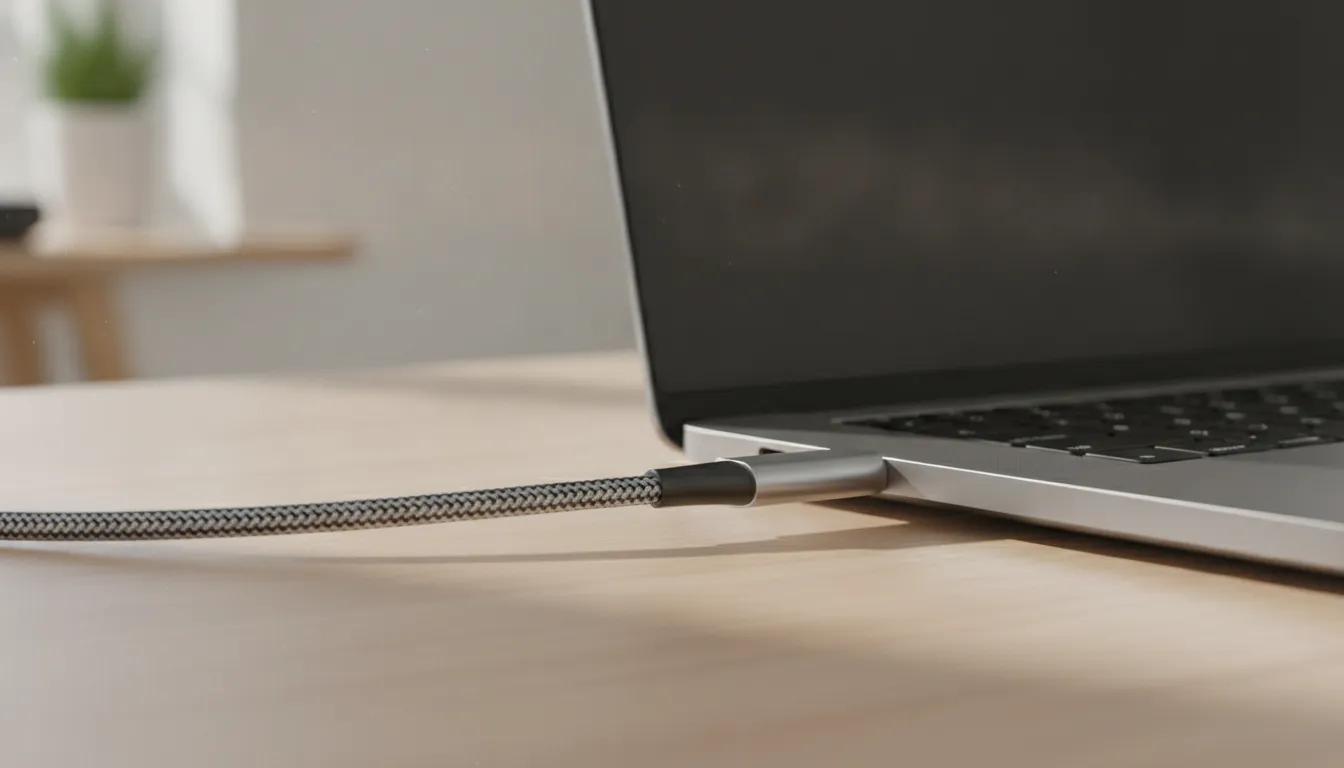
Start with the outer jacket. A tightly woven braided construction can provide a durable layer around the cable and help it resist everyday abrasion. Braiding is not a substitute for verified performance, but it is a practical sign that the manufacturer treated handling and longevity as part of the design. KEUTEK cables are built around a 30,000+ bend rating, giving shoppers a specific durability benchmark rather than a vague promise of toughness.
Pay close attention to the transition between the cable and each plug. This area, called the strain relief, absorbs much of the stress created when a cable is bent near the connector. A well-designed strain-relief section should feel secure and should not show looseness, splitting, or sharp changes in shape after regular use. Reinforced aluminum connectors can also provide a more substantial connection point than thin. Easily damaged housings, especially for people who charge devices while traveling or working from different locations.
The connector itself deserves more than a visual check. USB-C cables can differ in their power capacity, so look for clear specifications that match the requirements of your phone, tablet, or laptop. Some higher-power cables include an eMarker chip, an identification component that helps compatible devices and chargers recognize the cable's capabilities. The chip does not make every charger faster by itself, but it can be important when a setup relies on higher-power USB-C charging and proper power negotiation.
Finally, match the design to your habits. A premium fixed-tip cable such as the Sovix 100W Fast Charging Cable keeps the connection straightforward: one reinforced cable, one USB-C plug at each end, and no extra pieces to carry or misplace. If you are comparing construction options, browse KEUTEK's fast charging cables collection and prioritize verified power specifications, connector strength, strain relief, and durability together. A cable that checks all four boxes is more likely to deliver consistent service long after its first charge.
How to Tell if a Type-C Cable Supports Fast Charging
A label that says "fast charge" is a starting point, not proof of performance. A dependable Type-C cable should state its power capability clearly and work within the limits of both your charger and your device. Use these checks before relying on a cable for a phone, tablet, laptop, travel kit, or backup-power setup.
- Check the stated wattage. Look on the cable jacket, product page, or packaging for a power rating expressed in watts. Compare that rating with the output you expect to use. A cable rated for 60W may not be suitable for a device that requires 100W or more. Do not assume that a thicker-looking cable automatically supports higher power. If the rating is missing, treat the cable as unverified rather than guessing.
- Check your device's charging requirement. Review the device manual, charger specifications, or manufacturer support page to identify the supported charging wattage and standard. Smartphones and smaller devices commonly use lower power profiles, while laptops can require substantially more. The cable does not create power on its own. It must be matched to the device and the charger, because the lowest-rated component can limit the result. This is why USB-C cables can look identical while delivering different charging performance. USB Power Delivery documentation from USB.org explains how the standard manages compatible charging equipment.
- Look for USB-PD support and eMarker information. USB Power Delivery allows compatible equipment to negotiate its power requirements instead of sending an unverified level automatically. For higher-power applications, look for explicit USB-PD support and, when listed, an eMarker or electronically marked cable. Certification and specification details are more meaningful than vague phrases such as "turbo" or "rapid charge." The USB-IF cable and connector resources provide a useful reference when comparing technical claims.
- Test the complete charging system. Connect the cable to a charger known to support the device's required standard, then check the device's charging indicator, settings, or manufacturer diagnostic screen. Test with one variable at a time: use the same charger and device while swapping cables, then repeat with a second compatible charger if needed. If the device reports ordinary charging, repeatedly disconnects, or charges slowly under the same conditions, the cable may be limiting the system. Temperature, battery level, and active device use can also affect charging speed, so compare under similar conditions.
For a more dependable purchase, start with a clearly documented fast charging cable and verify that its rating matches your equipment. Real performance comes from the complete chain: device, charger, cable, and supported charging protocol.
Why Is a Premium Fixed-Tip Type-C Cable Worth the Upgrade?
A premium fixed-tip cable earns its place in an everyday setup by removing decisions, weak points, and unnecessary accessories. The connector stays ready for the devices you charge most, while the cable delivers dependable performance each time you plug in. That simplicity matters at a desk, in a travel bag, or in the car, where a reliable cable is more useful than a drawer full of mismatched options.
The right cable should also match the power demands of your equipment. Phones and smaller devices may use lower power profiles, while many laptops need substantially more. A cable rated for up to 100W USB-C fast charging gives compatible devices the capacity they need without asking you to replace the cable when your setup becomes more capable. USB Power Delivery negotiates power requirements between the charger and device, but the cable still needs an appropriate rating for the job.
Simple by design, ready for daily charging
Fixed-tip construction is a practical choice for people who want one familiar USB-C connection without extra pieces or compatibility confusion. There are fewer parts to keep track of, and the charging routine stays straightforward: connect the cable. Use a compatible power source, and let the device manage the negotiated charge. That makes a fixed-tip cable a strong fit for professionals, travelers, and households that value consistent everyday performance.
Build quality is just as important as the headline wattage. Durable braided construction helps the cable stand up to the bending and movement that come with regular use. Reinforced aluminum connectors add a solid, refined point of connection, supporting a premium feel without turning the product into a complicated system. KEUTEK identifies a 30,000+ bend rating as a durability metric for its cables, giving buyers a concrete performance signal to consider rather than relying on appearance alone.
When the upgrade makes sense
Upgrade when your current cable charges inconsistently, shows wear near the connector, or leaves you unsure whether it can support your device. It also makes sense when you want a clean travel kit that handles phone, tablet, and compatible laptop charging through a single dependable cable. For shoppers who want that focused combination of power and simplicity, the Sovix 100W Fast Charging Cable is a premium fixed-tip option with up to 100W charging, reinforced aluminum connectors, and durable braided construction.
Explore the broader fast charging cables collection if you are still matching a cable to a particular device or charging routine. The best choice is not the cable with the most complicated feature list. It is the one whose connector, power capacity, and construction fit your actual equipment and daily habits.
Browse the fast charging cables collection to find a verified cable rating that fits your devices, or shop the Sovix 100W fixed-tip cable for a premium everyday upgrade.
Frequently Asked Questions
Do all USB-C cables support fast charging?
No. USB-C describes the connector shape and standard, but cables differ in power capacity, data capability, and construction. For faster charging, confirm that the cable's wattage rating matches your charger and device, and that the setup supports USB Power Delivery when required. The USB Implementers Forum explains how USB Power Delivery works.
How do I know if a USB-C cable is fast charging?
Check the product specifications for a stated power rating, such as 100W, rather than relying on the USB-C label alone. Then compare that rating with your charger's output and your device's requirements. If the cable, charger, and device support different limits, charging generally follows the lowest supported capability.
What wattage should I choose for a phone, tablet, or laptop?
Choose enough capacity for the device you plan to charge, with room for future use. Smartphones and many tablets typically use lower power profiles, while larger laptops may require 60W, 100W, or more. A cable rated below the laptop's requirement may charge slowly or fail to provide full power, so check the manufacturer's specifications before buying.
Is a 100W USB-C cable a good choice for everyday use?
For many households and travel kits, 100W is a practical balance of capability and versatility. It can support compatible phones, tablets, and many USB-C laptops without requiring separate cables for each category. A durable braided jacket and reinforced connectors also matter because everyday bending, packing, and unplugging can shorten the life of a poorly built cable.
Ready to Upgrade Your Everyday Charging
Now that you know what to look for in a Type-C USB fast charge cable, the final step is choosing one built to deliver. The Sovix 100W Fast Charging Cable combines up to 100W USB-C fast charging with reinforced aluminum connectors and durable braided construction. So you get premium performance in a simple fixed-tip design that works across your phone, tablet, and compatible laptop.
Shop the Sovix 100W fast charging cable today, or browse the full fast charging cables collection to find the right match for your setup and travel routine.


Leave a comment