

Best USB A to USB C Cable for Fast Charging Older Adapters

Plugging a modern smartphone into a legacy charging port often results in painfully slow power delivery. This mismatch between old tech and new devices makes your morning routine take much longer. You need a reliable link to get the most speed from your gear.
Ready to upgrade your charging speed? Shop KEUTEK ProSeries Max Fast Charging Cables to get the best USB-A to USB-C cable today.
The **best usb a to usb c cable** must bridge the gap between older power sources and modern high-speed devices. While a standard USB-A port is often limited to 12 watts, a high-quality cable ensures you get every bit of available power safely. A durable option like the KEUTEK ProSeries Max uses reinforced connectors and a 30,000 bend rating to handle daily travel and heavy use. This ensures that your phone, tablet, or laptop receives a steady and safe charge even from older car ports or wall blocks. According to KEUTEK, using the right cable is the only way to get modern speeds from older gear.
The Best USB A to USB C Cable for Legacy Adapters
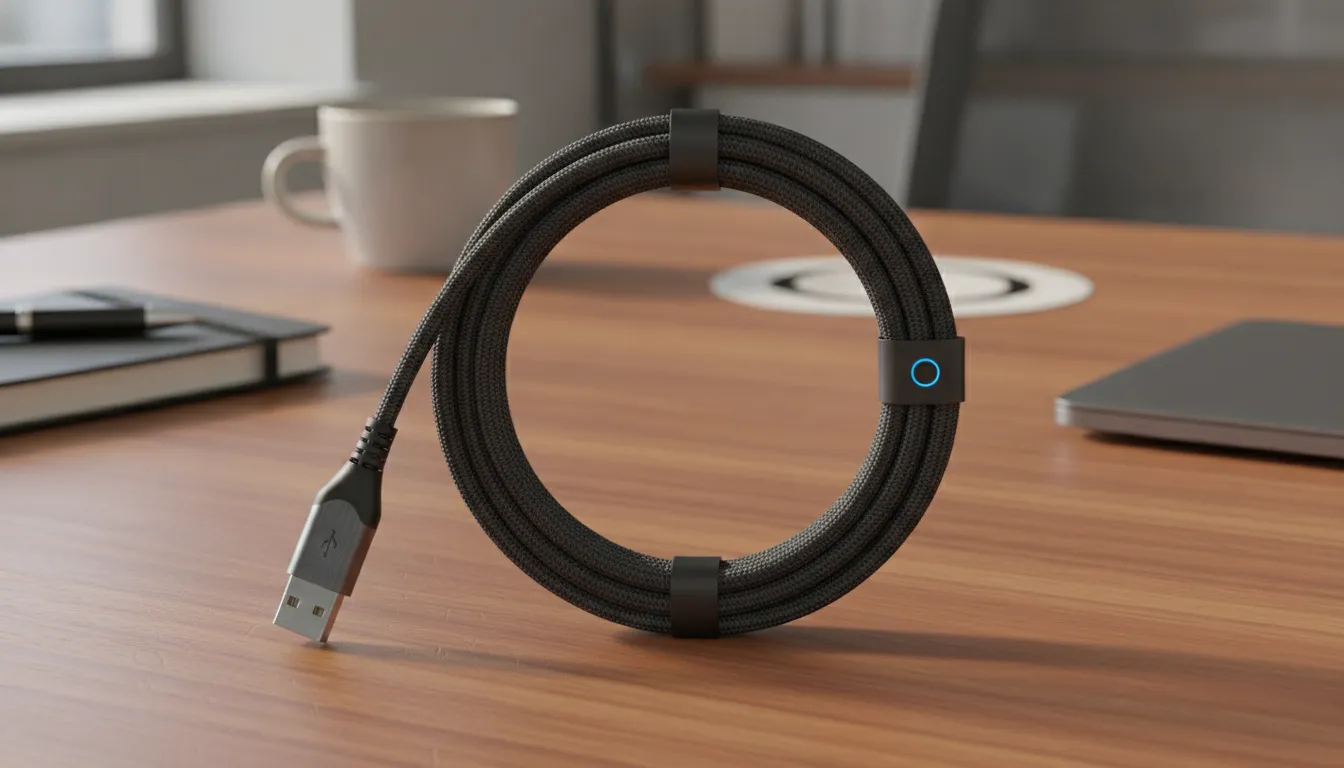
Many people still have old USB-A wall plugs. These chargers worked well for old phones, but new gear needs more power. Using the best usb a to usb c cable helps you get the most out of your old gear. While these old ports have power limits, a good cable makes sure your device charges as fast as it can. It also keeps your tech safe from power spikes or bad links.
Knowing the power limit
Old USB-A ports were built for basic power needs. Many old ports only give about 2.5 watts of power. This is a big change from the 100 watts that new USB-C ports can handle. As shown in research on USB standards, basic ports use a fixed 5-volt supply to send power to your phone. This low output means you must use a cable that can handle the full load with no loss.
When you use a poor cable, you might not even reach the small limit of the port. The USB-A port is often the main bottleneck for your charging speed. This means the charger can only send a small amount of power at one time. A pro-grade cable makes sure that power moves well. It uses thick wires to reduce heat and keep the power flow steady from the wall to your phone.
Getting the most from old gear
You can still use an old plug to charge new gear safely if you have the right tool. A top cable is built to work with many types of tech gear. This helps your new phone talk to the old charger so it gets the best power. It helps stop the slow charging or "not charging" errors that often happen with cheap, thin cables. You need to trust your gear when you power up for a long trip.
Learning how to pick the right cable is the first step to a better setup. You do not always need to throw away your old wall plugs. You just need a cable that can handle the peak power of the port. Most old USB-A ports top out at about 12 to 15 watts. A high-speed cable makes sure you hit that peak every time you plug in your device.
Tough cables for daily use
Old chargers are often in spots where cables get lots of use, like cars or kitchen desks. This means the cable gets bent, pulled, and twisted every day. High-quality cables use tough woven skins to last much longer than cheap plastic ones. These rugged cables often have a 30,000+ bend rating. This high rating means the cable can survive being put in a bag or coiled up many times without a break.
Rugged cables are great for travel and outdoor life. They use strong ends to stop the tips from fraying or snapping. A tough cable saves you money over time. You do not have to buy new parts every few months. By pairing your old plug with a rugged cable, you build a power source that stays strong. This setup is perfect for anyone who wants to keep their old gear running for a long time.
Understanding the Fast Charging Bottleneck of USB-A Ports
Most people think a fast cable is all they need for quick charging. They buy the best usb a to usb c cable and expect top speeds. But the power source is often the weak link. If your wall plug is old, your charging will be slow.
Older power limits
Standard USB-A ports come from an older era. The basic USB 2.0 rule limits these ports to just 2.5 watts of power. This means they only give out 5 volts at 500 milliamps. You can find this data in academic guides on USB design. While some newer USB-A ports hit 12 or 15 watts, they still fall far behind modern USB-C tools.
Why the port is the bottleneck
A cable can only carry the power it gets from the source. Older USB-A ports use a simple 5V pin called VBUS. This system was not built for the high power needs of today's phones. Even if your cable can handle 60 watts, the port will not give that much. The hardware inside the plug sets a hard cap on how much power flows out.
USB-C ports can reach 100 watts or more. In contrast, USB-A often stops around 15 watts. This gap exists because of how the pins are made. You must match your cable to your port to get the best results. A good cable helps you reach the max limit of your old plug, but it cannot change the port's own rules.
Using older gear
You can still get a steady charge from an old port. To do this, you need a cable that works well with fast wall chargers. While you won't get ultra-fast speeds, a good cable ensures you get every bit of power the port offers. Good parts prevent power loss and keep your device safe during the process.
Many people feel bad when their new gear charges slowly. They often blame the cable first. But the shape of the port is a sign of its power limit. Older USB-A blocks were made for small tools like mice or keyboards. They were never meant to fast charge a large phone. Knowing this limit helps you choose the right gear for your needs. According to university tech guides, features vary even when the plug looks the same.
How to Choose the Best USB-A to USB-C Cable for Your Devices
Choosing the best usb a to usb c cable depends on your exact charging needs and how you use your gear. Most users look for a mix of speed, strength, and a fair price. Many cables look the same, but the tech inside can vary a lot. A cheap store brand is not the same as a pro grade choice.
Know Your Power Needs
The main limit for any USB-A cable is the power source itself. Most old USB-A ports on PCs or wall plugs only give out about 2.5 watts. This is based on basic USB 2.0 standards. Even with a fast cable, you can only pull as much power as the plug allows. Modern fast ports reach 12 to 15 watts, so you need a cable that can handle that flow.
Check Build Quality
If you travel or use your phone while it charges, build quality is key. Plain plastic cables often fray or break at the neck after a few months. Pro cords use a woven nylon skin to protect the wires inside from pulls. When choosing the right USB-A to C cable, look for a high bend rating. This helps it last through years of daily wear.
Check Top Charging Choices
This table shows how different types of cables stack up for daily use. Generic cables work for small tasks, but they lack the strength of pro brands.
| Feature. | Generic Plastic. | Belkin Pro Flex. | KEUTEK ProSeries Max. |
|---|---|---|---|
| Build. | Soft Plastic. | Braided Nylon. | Reinforced Nylon. |
| Bend Count. | ~3,000 Bends. | ~30,000 Bends. | 30,000+ Bends. |
| Speed Level. | Standard Power. | Fast Power. | Max Fast Power. |
| Care Plan. | Short Term. | Limited Life. | Full Life Cover. |
| Best Use. | Cheap Spare. | Home or Office. | Travel and Pro Use. |
The ProSeries Max cable is built for users who need a tool that will not fail. It works well with fast wall plugs and gives the best shield for your gear. Other brands give good quality, but the added strength makes a pro cable the best long term buy.
Key Durability Features to Look For in a Premium Cable
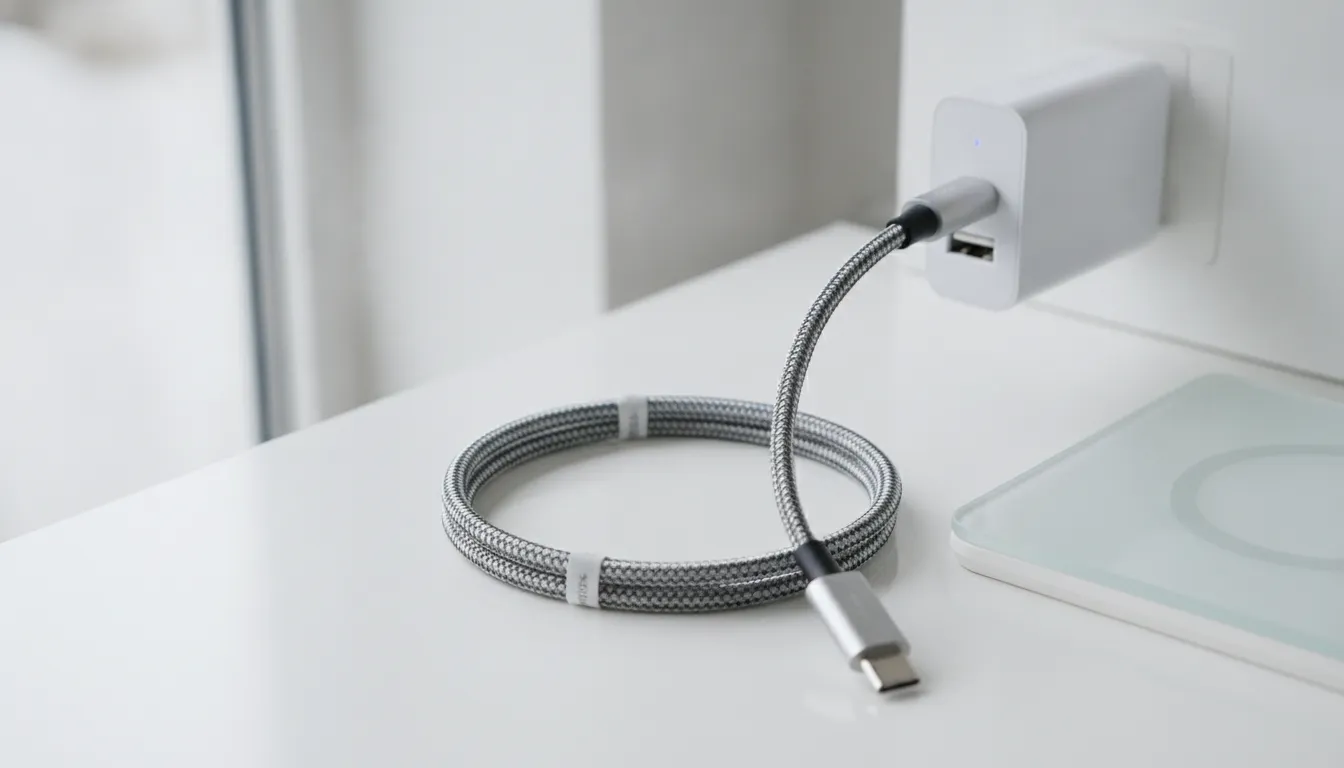
When searching for the best usb a to usb c cable, you must look at more than just the price. A cheap cord may break in a few weeks. High-quality cords are built to last through years of daily use and travel.
You want a cord that can handle being bent, pulled, and packed away without failing. Finding the right mix of strong parts and smart design is the secret to a long-lasting power tool.
Sturdy Braided Nylon Jackets
The best cords use a sturdy woven fabric that stays bendy while guarding the wires inside. Double-braided nylon is a top choice for high-end gear. This outer layer resists tangles and stops the cord from fraying at the edges.
Unlike standard plastic cords, a braided jacket can stand up to sharp corners and rough spots. This makes them ideal for life on the road or in a busy office.
While the real shape of a USB-C plug is always the same, the features each cable supports can change quite a bit. A thick, woven jacket often hides better shielding. This helps keep a steady charge even when you move the cord around. For people who need a trusty link every day, these tough parts are worth the small extra cost.
High Bend Ratings and Tough Ends
The most common place for a cord to fail is near the plug. To fix this, look for reinforced connectors that keep the cord from snapping. Quality cords often come with a 30,000+ bend rating.
This means the cord was tested to flex thousands of times without losing its power. This level of strength is a must for anyone who packs their gear in a bag often. Stress points should have long, flex guards where the wire meets the plug.
These guards spread out the force when you pull on the cord. When you are choosing the right USB-A to C cable, check that the metal tips are well-made and fit snugly. A loose fit can cause heat or stop the fast-charging process, which could hurt your device over time.
Built for Travel and Support
Travel-ready cords need to be light but very strong. Premium brands like KEUTEK build their products to meet the needs of outdoor fans and pros alike. These cords work well in many places, from a hot car to a cold campsite.
They are made to be part of a rugged power setup that you can trust anywhere. Making sure your cord works with all your devices is key for a smooth trip.
A great way to tell if a cord is high-quality is the brand's support. Look for products that come with a lifetime warranty. This shows the maker has faith in their work.
When a company stands behind its gear, you know they used the best parts and methods. A strong cord is more than a tool; it is a long-term part of your tech life.
Charging Compatibility: USB-A vs. USB-C Power Standards
USB-A and USB-C are the two most common plugs for charging your phone or laptop. The older USB-A port is the large hole found on most wall plugs and laptops. USB-C is the smaller, rounded plug that works either way you flip it. While they look unlike each other, the main gap is how much power each can send to your device.
What are the limits of USB-A ports?
Most old USB-A ports were built for low power. Basic USB 2.0 ports often give out just 2.5 watts of power, which is very slow for new phones. Even fast USB-A chargers usually top out at 12 to 15 watts. This means your device will take longer to reach a full charge when you use an old wall plug.
Why is USB-C power flow better?
USB-C was made to handle much more power. It can support power standards up to 100 watts or higher. This high output is why new laptops and tablets use USB-C. When you use a USB-A to USB-C cable, the wall plug is often the main limit. The cable might be strong, but the port limits how much juice can flow through it.
How to pick the best cable for your setup?
Finding the best usb a to usb c cable means matching it to your charger. You want a cable that is tough enough for daily use and can handle the top speed of your plug. Good cables use thick wires and rugged covers to keep your gear safe. Always check that your cable works with both old and new power tools for the best results.
Step-by-Step: How to Safely Fast Charge with Legacy Adapters
Using an older power brick with a modern phone can be tricky. Most old USB-A ports are built to give a power output capped at 2.5W or 5W by basic rules. To get the most speed without risk, you must pair your plug with the right gear. Choosing the best usb a to usb c cable is the first step in this task.
Check your plug and cable
Before you plug anything in, you should look at the specs on your gear. Old blocks often have small text that lists the output in volts and amps. A standard port may only give you 5V and 1A, which is slow for new phones. You can learn how to pick the right cable to match these limits. This helps you avoid power walls that stop fast charging.
- Check the power plug for its total power. Most old ports give between 5W and 15W, which creates a limit for fast charging.
- Find a cable with a high bend rating. Tough cables with a 30,000+ bend rating are best for travel and daily use.
- Plug the USB-A end of the cable into the wall block. Make sure the fit is tight and firm to prevent power loss.
- Plug the USB-C end into your device. Modern phones will see the power flow and adjust the speed to match the plug.
- Watch your device screen to see if it shows a fast charging icon. If not, the old plug may be too weak for high speeds.
Watch your device speed
When you use older gear, you should keep an eye on heat. USB-C is built for higher power and can handle up to 100W or more in new setups. But old ports often stay between 12W and 15W. If the phone feels hot, you may need to buy new fast wall chargers for better safety. High-quality cables help manage this flow but they cannot change the plug's limit.
Safety is the key part of charging. Using the right cable ensures that your device stays safe while it gets power. Rugged woven parts help the cable last longer in tough spots. This setup lets you use your old gear while you wait to get newer tech.
Frequently Asked Questions
What is the best USB-A to USB-C cable for fast charging?
To find the best USB-A to USB-C cable, look for one that has a strong build and supports fast speeds. While most older USB-A ports cap at 12 watts, a high-quality cable ensures you get the most out of your charger. According to the KEUTEK guide, these cables work well for both old and new gear. This choice helps you charge fast while keeping your tech safe from heat or harm.
Can USB-A to USB-C cables support 100W fast charging?
Most USB-A to USB-C cables cannot reach 100W speeds. This is because the USB-A port itself has a much lower power limit than new USB-C ports. According to KEUTEK, USB-A is usually limited to about 12 to 15 watts of power. If you need 100W for a large laptop, you should use a USB-C to USB-C cable instead. These older ports are best for phones, tablets, and small gear that need less power.
Does a USB-A to USB-C cable charge as fast as a USB-C to USB-C cable?
A USB-A to USB-C cable is usually slower than a USB-C to USB-C link. USB-C ports use new tech to send more power to your gear in less time. While a USB-A port can still fast charge many phones, it lacks the high flow needed for laptops. Standard ports often provide just 2.5 watts of power under old rules. For the best speeds on new gear, a full USB-C link is the right way to go.
How do I choose a durable USB-A to USB-C cable?
When picking a durable cable, look for strong parts like braided nylon. These woven covers help stop fraying and wire breaks over time. You should also check for a high bend rating to make sure it can handle daily use. According to KEUTEK, cables with a 30,000 bend rating are best for travel and tough tasks. A metal case also adds extra safety to keep the plug from bending or snapping during a charge.
Ready to upgrade your old charging setup?
A weak cable with an old wall plug can lead to slow charge times. It can also cause heat that wears out your phone battery. If you stay with that old cord, you risk a dead device when you need it most. Each day you use a thin cord, your device misses the power it needs to stay at full speed. You do not want a dead phone in the middle of a trip because your cable broke at last. Get a tough cord now to enjoy safe power and save time before your link fails you. This small step will save you time and keep your gear safe for a long time.
Ready to upgrade your charging setup? Shop KEUTEK ProSeries Max Fast Charging Cables today for premium durability and speed.


Leave a comment