

Apple 17 Pro Charging Guide: Cables and Chargers

The right apple 17 pro charging setup starts with the connection and charging standard. Do not begin with the biggest number printed on a box. Apple identifies USB-C as the fast-charging connection for iPhone 15 and later. A comparable third-party USB-C power adapter can fast charge when it supports USB Power Delivery. Choose a sound USB-C cable. Pair it with a USB-PD charger. Match the charger to how you use the phone.
For the fastest documented wired result, Apple says iPhone 17 Pro can reach up to 50 percent in around 20 minutes with a 40W adapter or higher. That is a test condition, not a promise that every setup will charge at that rate. Adapter quality, phone settings, use while charging, temperature, cable condition, and the phone's own charging behavior all matter. A 240W cable does not force a phone to draw 240W.
This guide separates verified compatibility from practical buying advice. It covers USB-C cables, wall chargers, car charging, wireless options, cable durability, and page-speed-friendly ways to keep a charging article useful without loading it with unnecessary media.
Explore a compact KEUTEK charger for a flexible Apple 17 Pro setup
What cable does Apple 17 Pro use for charging?
The practical starting point is USB-C. Apple says fast charging requires an iPhone 15 or later with a USB-C cable, and current Apple 17 Pro reference material identifies a USB-C charging port. That means a USB-C-to-USB-C cable is the natural wired choice when your wall charger also has a USB-C output. If you are replacing an older Lightning setup, do not assume the old cable or its connector will fit the phone. Check both ends before ordering.
The cable still needs to be treated as part of the charging system. A charger can support USB Power Delivery, but a damaged, loose, or poorly matched cable may limit reliability. Look for a cable with USB-C connectors that are physically compatible, a stated power rating appropriate for the charger, and construction that fits your routine. Someone who charges at a desk may prioritize length and flexibility. A frequent traveler may value reinforced connectors, a compact coil, and a cable that can tolerate repeated packing.
KEUTEK's ProSeries Max cable is listed with USB-C/PD configurations, PD 3.1 and PPS support, a 240W power-delivery rating, and a 30,000-plus bend rating. Those are cable specifications, not a claim that Apple 17 Pro requires 240W. The point of higher headroom is to avoid making a phone cable the weak link when the same cable also serves tablets, laptops, or other USB-C devices. Verify the product page's current connector and tip details for your exact setup before purchase.
For more context on choosing the cable as part of a complete system, see KEUTEK's matched charger and cable guide. If you want a current product option, review the high-power USB-C charging cable and confirm that its included configuration suits your devices.
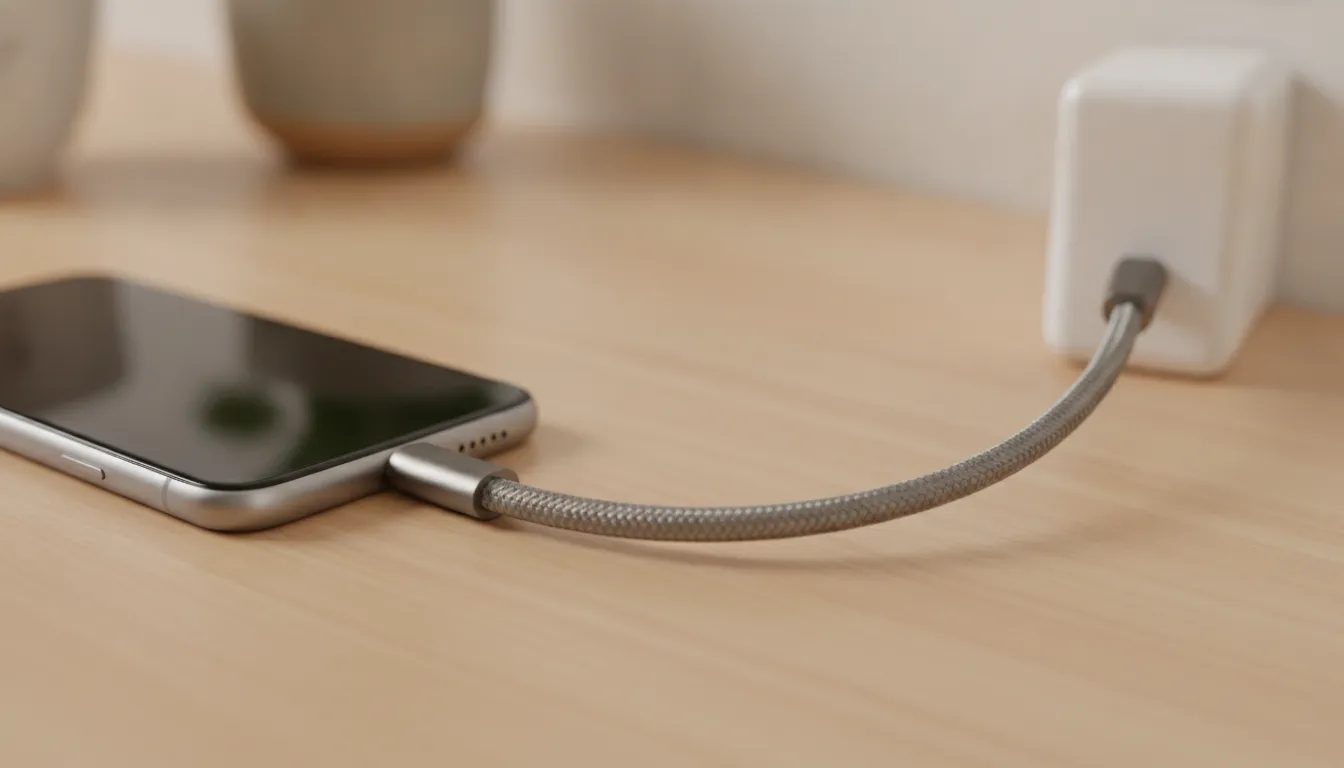
USB-C cable checklist
- Confirm USB-C at the phone end and the charger end.
- Check the cable's stated power capability and intended protocol support.
- Inspect strain relief, connector fit, and braid quality.
- Replace cables with frayed jackets, bent connectors, or intermittent charging.
How much power does Apple 17 Pro need for fast charging?
Apple's published fast-charging guidance is more useful than a generic wattage race. Apple says iPhone 17 Pro can charge up to 50 percent in around 20 minutes with a 40W adapter or higher. Apple also notes that charge time varies with the adapter, settings, usage, and environmental factors. In other words, 40W or higher describes the adapter condition for that stated test result. It does not mean the phone continuously pulls 40W, and it does not guarantee the same result in every room or battery state.
A USB-PD wall charger with at least that level of available output is a sensible choice when your goal is to reproduce the documented wired condition. A 65W charger can provide useful headroom, especially if you may charge another device at the same time, but extra capacity is not automatically extra phone speed. The phone and charger negotiate an appropriate draw. Use a sound cable and a reputable charger, then let the device manage the session.
Temperature and activity matter too. Apple warns that fast charging might not work in conditions that are too cold or too hot. Gaming, navigation, video capture, direct sun, thick cases, or a crowded outlet can change the experience. If a charge seems slow, move the phone to a cooler, ventilated place, reduce demanding use. Check the cable connection. Test the charger with another known-good cable before assuming the phone or adapter has failed.
KEUTEK's 65W wall charger has two USB-C ports, one USB-A port, simultaneous-charging support, and a compact GaN design according to the product information in the customer context. That makes it a practical multi-device option, not an Apple-specific speed guarantee. Link the phone to its USB-C port when possible, keep the cable seated. Use the remaining ports only with an understanding that shared output can change when multiple devices are connected.
Choose a multi-port 65W wall charger for home, office, or travel
Adapter rating versus phone charging rate
Think of adapter wattage as available capacity. The phone determines what it can accept under the current conditions. A larger adapter is valuable when it powers several devices or gives a laptop more room. But it is not a shortcut around device limits, cable quality, or heat management.
Which charger is the best fit for your Apple 17 Pro setup?
The best charger depends on where you charge and whether the phone is the only device connected. A small single-device charger can be enough for a nightstand. A multi-port charger is more useful for a desk or hotel room. A car charger suits road trips. Wireless charging prioritizes convenience and fewer cable connections, but it should be selected around the phone's supported standard and the adapter feeding it.
| Setup | Best fit | What to verify |
|---|---|---|
| Compact phone-only wall charger | A simple option when you primarily charge one smartphone. | Confirm USB-C output, USB-PD support where required, and the current product specification. |
| 65W multi-port wall charger | A flexible choice when a phone, tablet, laptop, or accessory may share the outlet. | Confirm how output is shared across ports; higher adapter capacity does not guarantee a higher phone charging rate. |
| Car charger | A practical fit for commuting, road trips, and charging away from a wall outlet. | Check the port type, total output, cable reach, and secure fit in the vehicle. |
| Wireless charging path | A convenient choice for a desk or bedside surface when cable-free placement matters. | Use a compatible charging system and the adapter Apple specifies for wireless fast charging. |
For a compact option, KEUTEK describes its 20W wall charger as travel-friendly and intended for smartphones and small devices. For a multi-device setup, its 65W wall charger offers two USB-C ports and one USB-A port with simultaneous-charging support. For road use, review the multi-port car charger. These are selection paths, not claims that every Apple 17 Pro user needs the highest-output product.
If you routinely charge several devices, count the ports you genuinely use and consider where the charger will sit. A compact charger that stays accessible can be more useful than a larger unit that is left in a drawer. Keep one reliable USB-C cable with the charger, label nothing on the cable itself, and avoid carrying several redundant adapters when one verified setup handles your normal routine.
When is a 20W option enough?
A lower-output compact charger can make sense for overnight charging, a backup bag, or a reader who only needs a small phone-focused accessory. Choose a higher-output USB-PD model when you want to target Apple's published 40W test condition, share power with other devices, or reduce the number of chargers you pack.
Related products

This 2-pack keeps your setup ready for any demanding environment.
View product
At the core of KEUTEK's magnetic tip system is the advanced N-52 grade neodymium magnet.
View product
USB-C (240W) and USB-A (18W) cable options
View productWired or wireless: which Apple 17 Pro charging setup is better?
Wired charging is usually the easier path to troubleshoot. You can see the connector, swap the cable, and confirm which USB-PD adapter is feeding the phone. It is also the clearest route when you are trying to follow Apple's published wired fast-charging condition. Use a USB-C cable with a compatible USB-PD adapter, then avoid treating the adapter's maximum rating as the phone's guaranteed intake.
Wireless charging is valuable when convenience matters more than carrying a cable to the phone. Apple says wireless fast charging requires a compatible MagSafe Charger and a 30W or greater USB-C adapter. A retailer specification also lists MagSafe wireless charging up to 25W for Apple 17 Pro. Because wireless results depend on alignment, heat, case thickness, the charger, and the adapter, use those figures as documented conditions rather than a universal promise.
Choose wired charging for travel days, quick top-ups, and situations where you want the fewest variables. Choose wireless for a clean bedside or desk routine where drop-and-charge convenience helps you keep the phone available. You can use both approaches in one household. Keep the primary USB-C cable and adapter together, and reserve the wireless setup for the location where it provides a real convenience benefit.
KEUTEK's wireless charging phone guide provides broader context for comparing cable-based and wireless workflows. The right choice is not simply the highest advertised number. It is the setup that matches your device, adapter, environment, and habits without adding unnecessary hardware.
How can you reduce wireless charging friction?
Keep the charging surface stable, remove anything that blocks proper alignment, and leave airflow around the adapter. If the phone becomes unusually warm or charging repeatedly pauses, switch to a wired setup while you check the environment and accessories.
How can you keep an Apple 17 Pro charging setup fast and page-speed friendly?
A good charging setup should be efficient in the physical world and easy to understand online. For the phone, start with a compatible USB-C cable and a charger that supports the needed standard. For the guide, focus on the decisions readers actually need and avoid a wall of product images, autoplay video, or embedded widgets that obscure the answer. Clear guidance helps a shopper act without adding unnecessary page weight.
- Start with the connection. Confirm USB-C at both ends for a wired setup. Do not reuse a Lightning cable simply because it worked with an older Apple device.
- Match the adapter to the goal. If you want to target Apple's published wired test condition, choose a USB-PD adapter with at least the documented 40W capacity. If you are charging overnight, a compact phone-focused option may be enough.
- Keep the system cool. Apple notes that temperature can affect fast charging. Avoid direct sun, blocked vents, and intensive use while troubleshooting a slow session.
- Remove weak links. Inspect the cable, connector, outlet, and charger. Test one change at a time so you know which part fixed the problem.
- Keep the article lean. Use responsive WebP images with descriptive alt text, lazy-load only the inline images that add real context, and skip redundant product galleries and autoplay media.
For this guide, the useful visual is a simple charging scene that shows the relationship between the phone, cable, and adapter. It does not need a large gallery or a screenshot of a specification sheet. One focused hero and a small number of compressed inline images can support comprehension without turning a practical buying guide into a slow asset bundle.
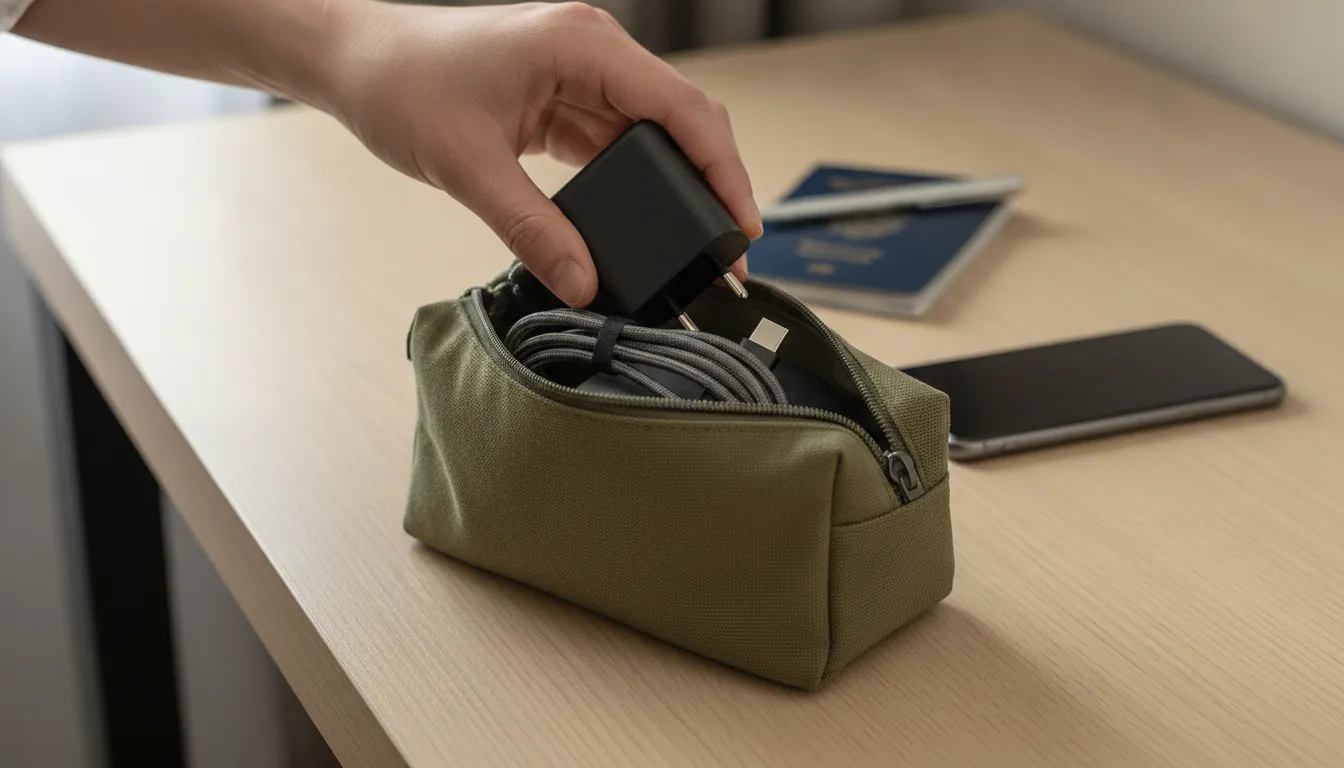
That same principle applies at home. Keep the charger accessible, store the cable without sharp bends, and avoid buying duplicate accessories for every room unless the convenience is worth it. A durable cable and a carefully chosen multi-port charger can reduce clutter while supporting a phone, tablet, laptop, or smartwatch routine.
What should you check before buying a cable or charger?
Before buying for an Apple 17 Pro, separate compatibility from capacity. Compatibility answers whether the connector and charging protocol can work together. Capacity answers how much power the adapter can make available. Durability answers whether the cable will keep making that connection after repeated bends, travel, and daily use. A product can score well in one category and still be a poor fit for your routine.
Use this buyer checklist
- Confirm the phone-side connector is USB-C and pair it with the connector on the charger.
- Look for USB Power Delivery support when fast charging is the goal.
- Use Apple's published 40W or higher condition as a reference for wired fast-charging expectations, not as a promise of a constant 40W draw.
- Check whether a multi-port adapter shares output when more than one device is connected.
- Choose a cable length that works without tension at the outlet, car console, or desk.
- Review the current product page for connector, tip, power, warranty, and availability details.
KEUTEK positions its charging products around rugged, travel-ready use. The ProSeries Max product information lists USB-C/PD configurations, PD 3.1 and PPS support, up to 240W power delivery, more than 30,000 bends, and 220 lb tensile strength. Those specifications can be valuable when one cable supports several devices. They should not be translated into a claim that the Apple 17 Pro needs maximum cable capacity or will charge faster simply because the cable has a larger rating.
If you want to compare broader cable considerations, read KEUTEK's fast charger cable options. For a direct product check, visit the current ProSeries Max USB-C cable. Keep the decision grounded in your devices, travel pattern, number of outlets, and tolerance for replacing low-quality accessories.
Review the current KEUTEK USB-C cable for a durable multi-device setup
Frequently Asked Questions About Apple 17 Pro Charging
What cable does Apple 17 Pro use?
Apple identifies USB-C as the fast-charging cable connection for iPhone 15 and later. For a wired Apple 17 Pro setup, choose a USB-C-to-USB-C cable and confirm that the charger supports USB Power Delivery when fast charging is the goal.
What wattage charger is recommended for Apple 17 Pro?
Apple says Apple 17 Pro can reach up to 50 percent in around 20 minutes with a 40W adapter or higher under its documented test condition. Choose a USB-PD adapter with at least that available capacity when you want to target the stated wired result. The phone's actual rate varies with use, temperature, settings, and the accessories.
Can you use a third-party charger with Apple 17 Pro?
Yes, Apple says a comparable third-party USB-C power adapter can fast charge when it supports USB Power Delivery. Use a reputable charger, pair it with a suitable USB-C cable, and check the current product specifications rather than relying only on a high wattage label.
Is wireless charging better than a cable for Apple 17 Pro?
Neither is universally better. Wired charging is easy to troubleshoot and is the clearest path to Apple's published wired fast-charging condition. Wireless charging is convenient for a desk or bedside routine. Apple says wireless fast charging requires a compatible MagSafe Charger and a 30W or greater USB-C adapter, so verify the full wireless setup.
Why might Apple 17 Pro charge slowly?
Apple notes that charge time varies with the adapter, settings, usage, and environmental factors. And that fast charging might not work when conditions are too cold or too hot. Check the cable connection, reduce intensive use, move the phone away from heat, and test the charger and cable separately.
Build your Apple 17 Pro charging setup
A dependable setup does not need to be complicated. Choose a USB-C cable that matches the phone and charger, use a USB-PD adapter appropriate to your charging goal, and keep heat and cable wear under control. If you want one durable cable for a broader device routine, review the current KEUTEK product specifications before ordering.
Shop the current KEUTEK ProSeries Max USB-C cable for a durable charging setup.


Leave a comment